
 Free & Fast Shipping
 30-Day Easy Returns
 2-Year Quality Guarantee
 Lifetime Technical Support
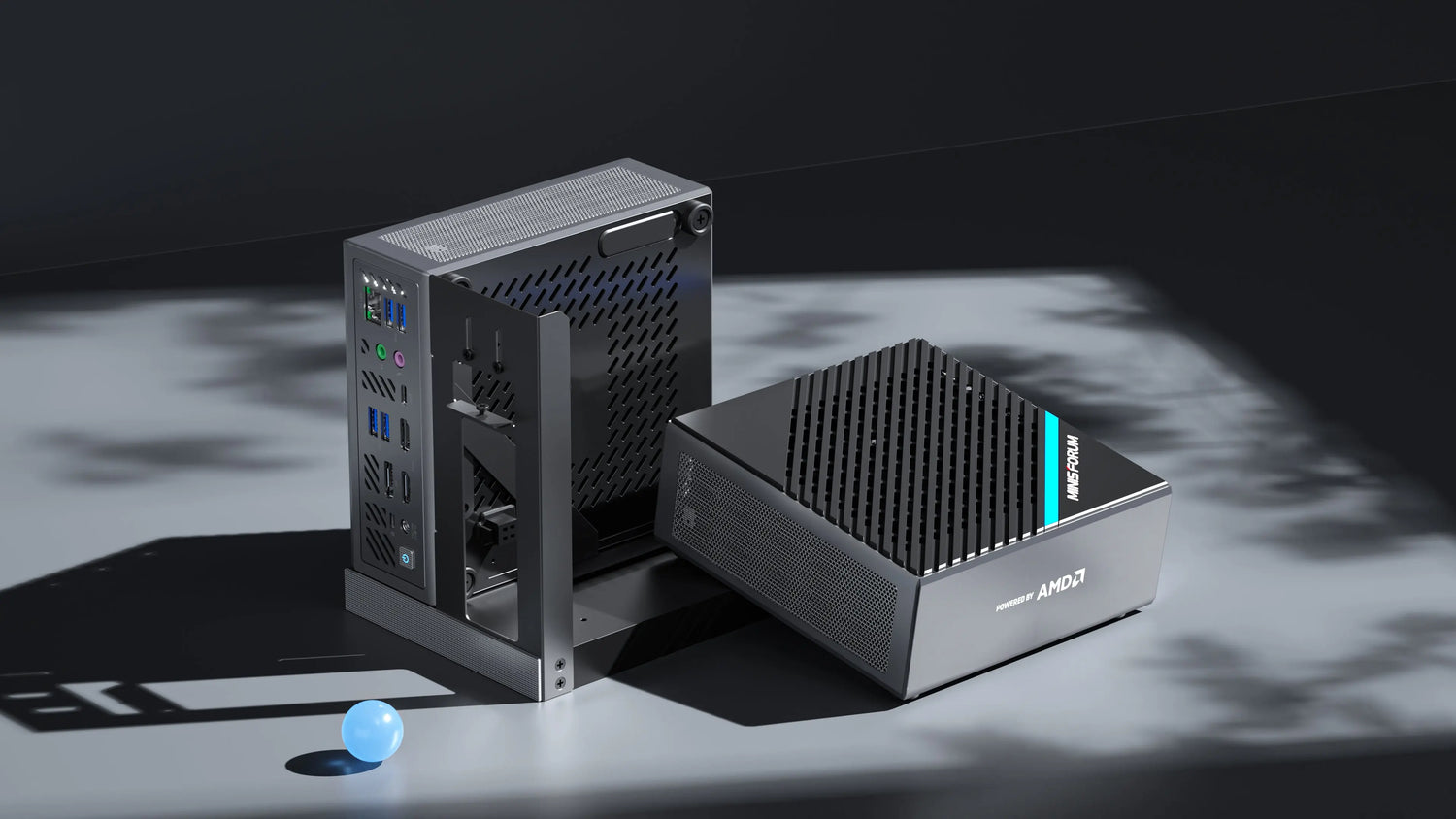
PSU:
The PSU bracket can secure ATX (with 3 fixing screw holes) and SFX PSU. Some ATX PSU’s air intake will face toward GPU’s air intake. But it won’t affect its performance.
Warning: before using PSU, make sure to unplug the mini PC’s power adapter. If the power adapter and PSU are used at the same time, there is a risk of short circuit, which might damage your device.
CPU And RAM:
Right now the B550 does not fully support 5600X and 5700X CPU. When using these two CPU, we will need to limit the dual RAM speed to 2666MHz or to use single 3200MHz RAM only. If customers need help to adjust the RAM speed, please contact our support team and we will send you a BIOS update file to adjust the RAM speed to 2666MHz. But right now we recommend customers to use CPU ended with “G” like 5700G.
GPU:
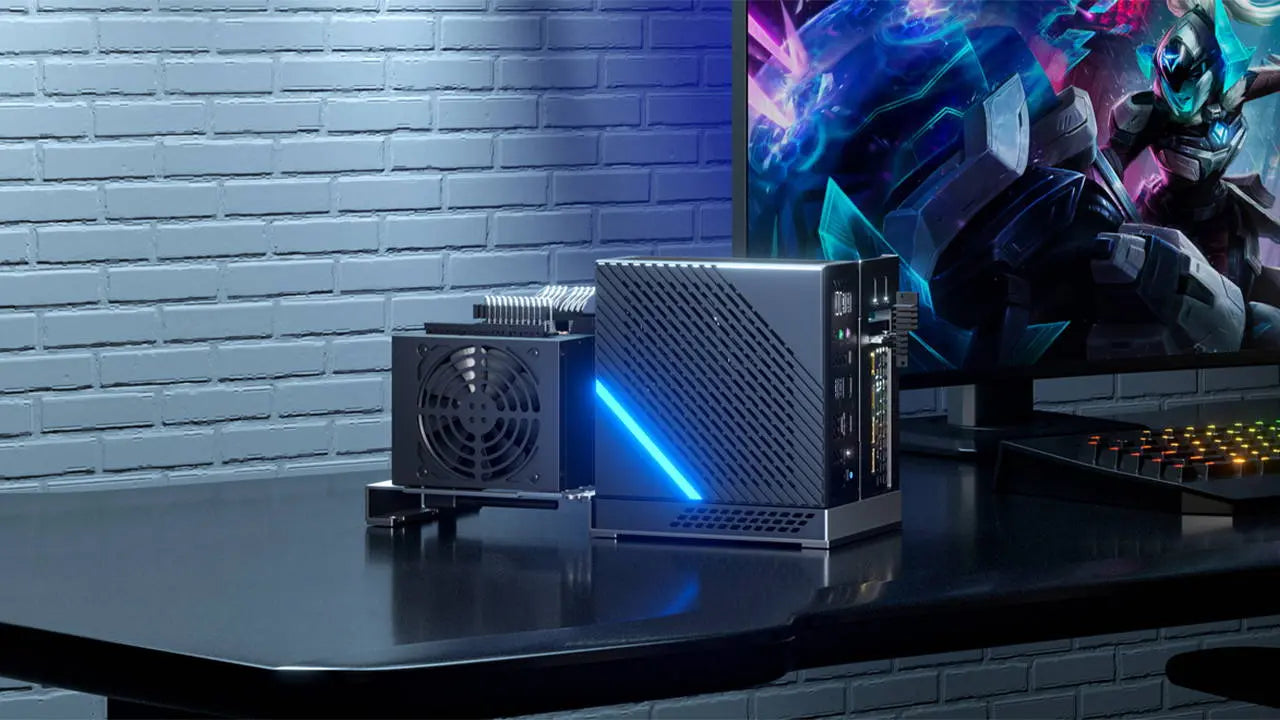
Please note that the graphics card dock can only support up to 2 slots cards. 3 slots cards won’t be able to fit in. Also the side of the graphics card need to be thinner than 54mm.

12 comments
Justin
Can you send me the most recent bios file. Having usb disconnect issues.
Son Nguyen
Does this support 2600 with discrete GPU? It seems like the screen is pitch black when I tried to turn on the PC with that configuration
Leave a comment
All comments are moderated before being published.
Este sitio está protegido por hCaptcha y se aplican la Política de privacidad de hCaptcha y los Términos del servicio.