
 Free & Fast Shipping
 30-Day Easy Returns
 2-Year Quality Guarantee
 Lifetime Technical Support


MINISFORUM AI Mini PCs | Powered by AMD Ryzen™ & Intel® Core™ Ultra
Discover powerful AI Mini PCs. Featuring advanced NPUs, these ultra-compact desktops deliver next-gen performance for work, gaming, and local AI.
Filters (42)
Sort
-
MINISFORUM X1 Lite -
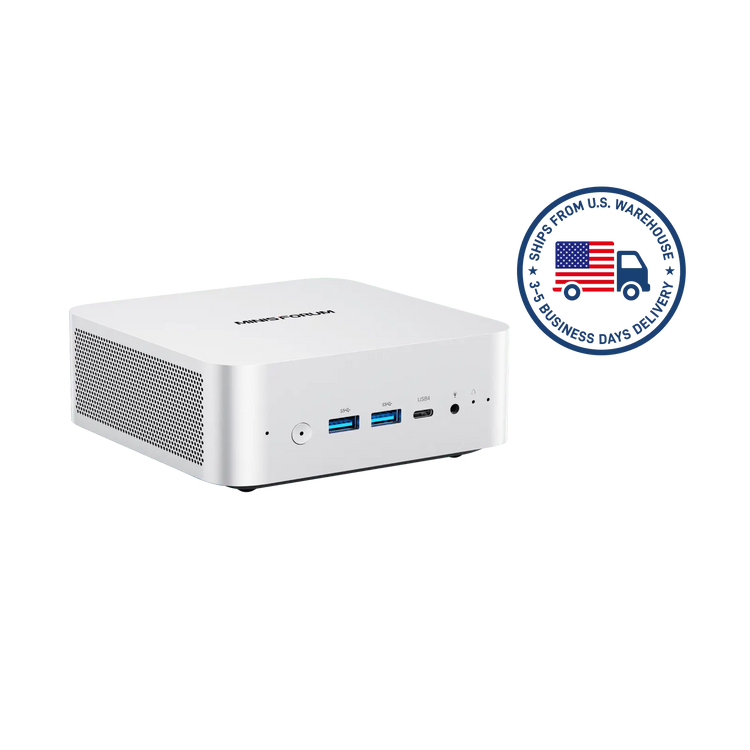
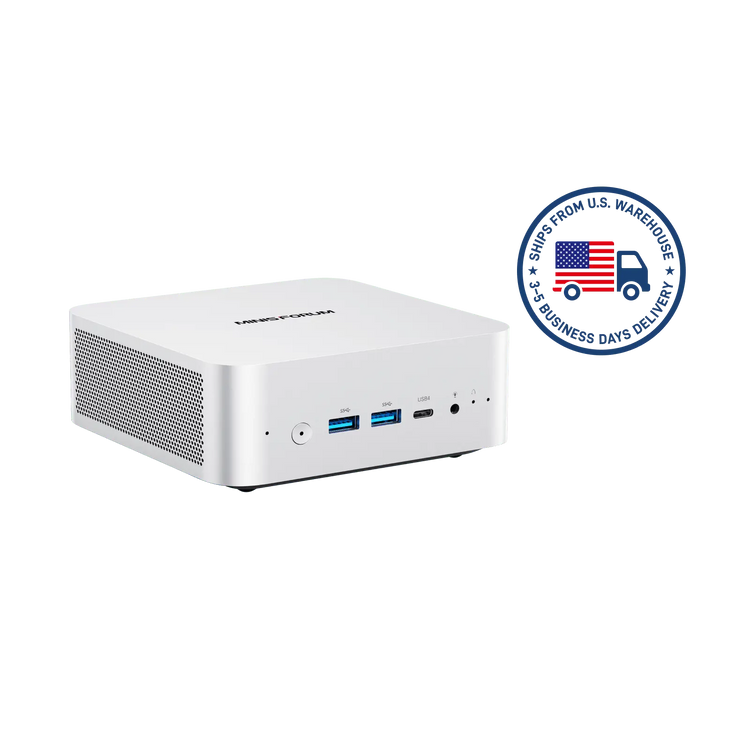
MINISFORUM AI X1 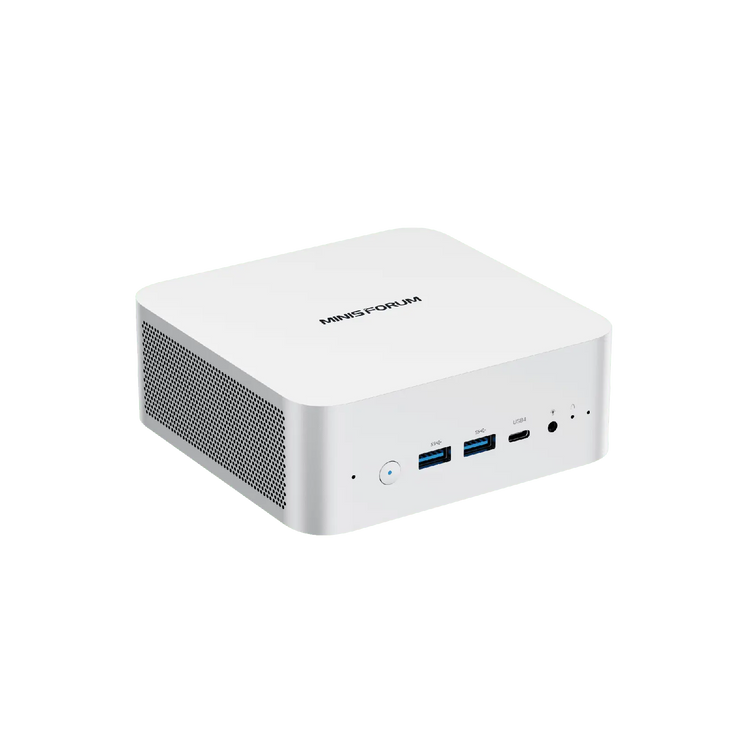
 Save $220.00
MINISFORUM AI X1
Up to AMD Ryzen™ AI 9 HX 470 | Up to AMD Radeon™ 890M | DDR5(SO-DIMMx2) 5600MT/s, max, 128GB
Sale price $639.00Regular price $859.00 -
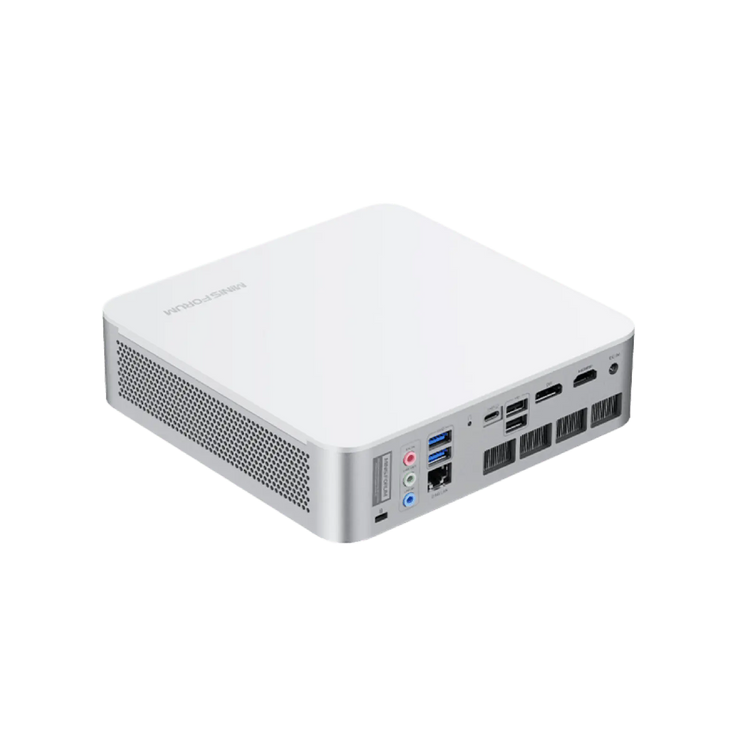
MINISFORUM MS-01 Workstation 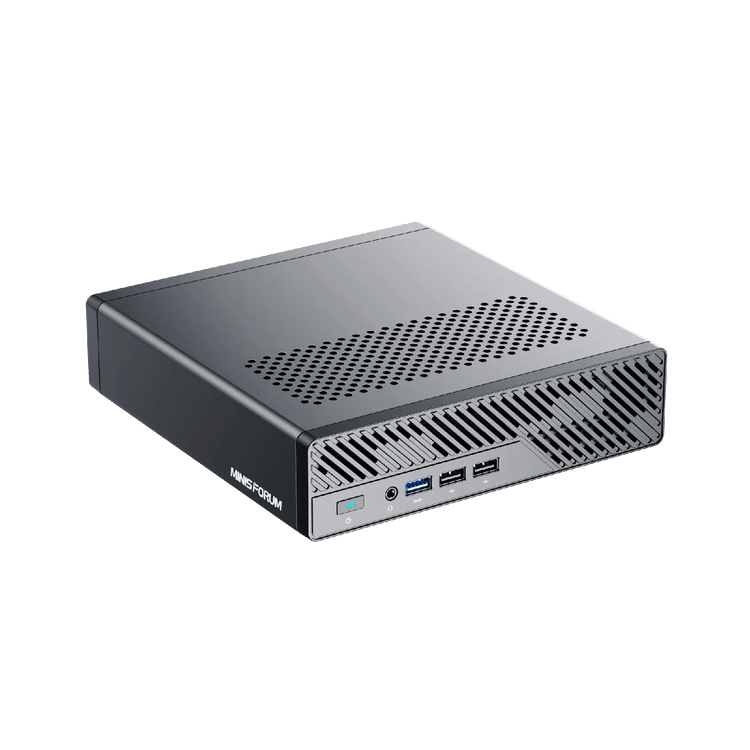
 Save $170.00
MINISFORUM MS-01 Workstation
Up to Intel® Core™ i9-13900H | Up to Intel® Iris® Xe Graphics | DDR5-5200MHz Dual Channel, up to 64GB
Sale price $679.00Regular price $849.00 -
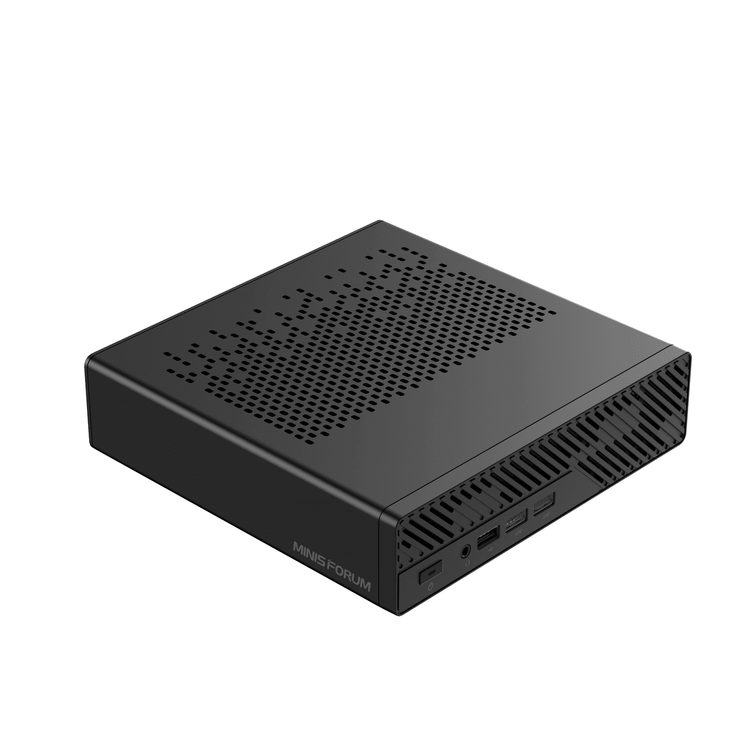
MINISFORUM M1-Plus -
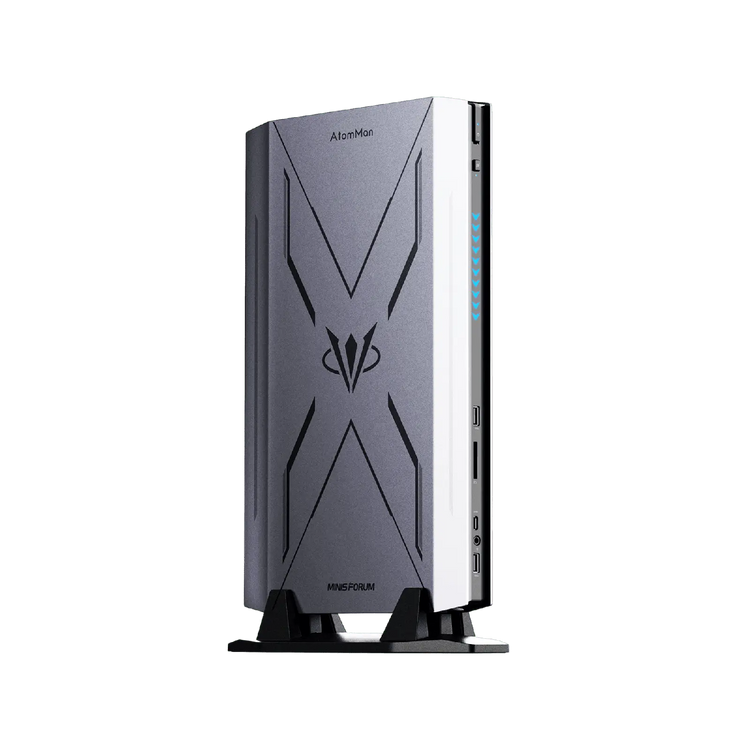
MINISFORUM AtomMan G7 Pro -
MINISFORUM UM760 Slim -
MINISFORUM M1 Pro-285H 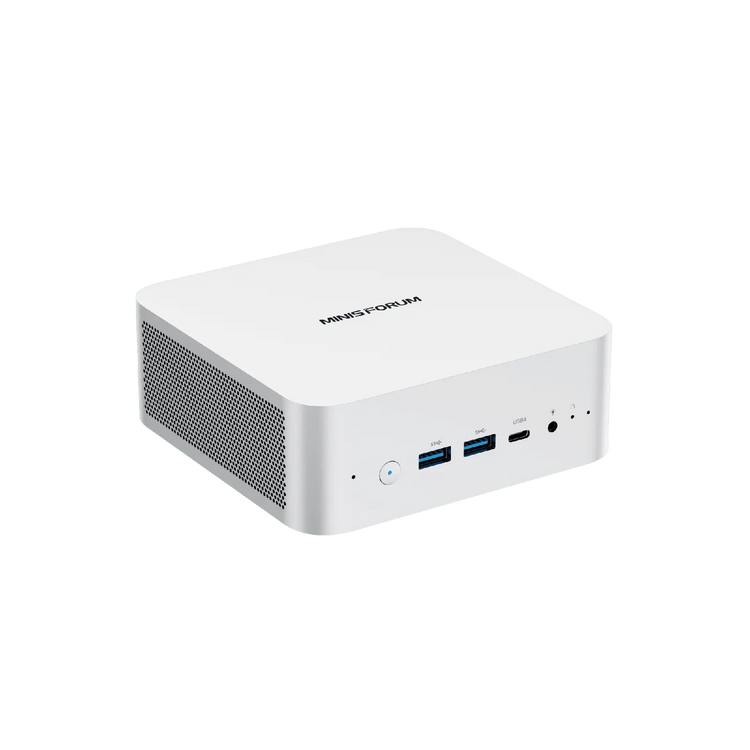
 Save $156.00
MINISFORUM M1 Pro-285H
Intel® Core™ Ultra 9 285H | DDR5 (SO-DIMM х 2) up to 6400Mhz,up to 128GB |
Sale price $623.00Regular price $779.00 -
MINISFORUM M1 Pro-125H 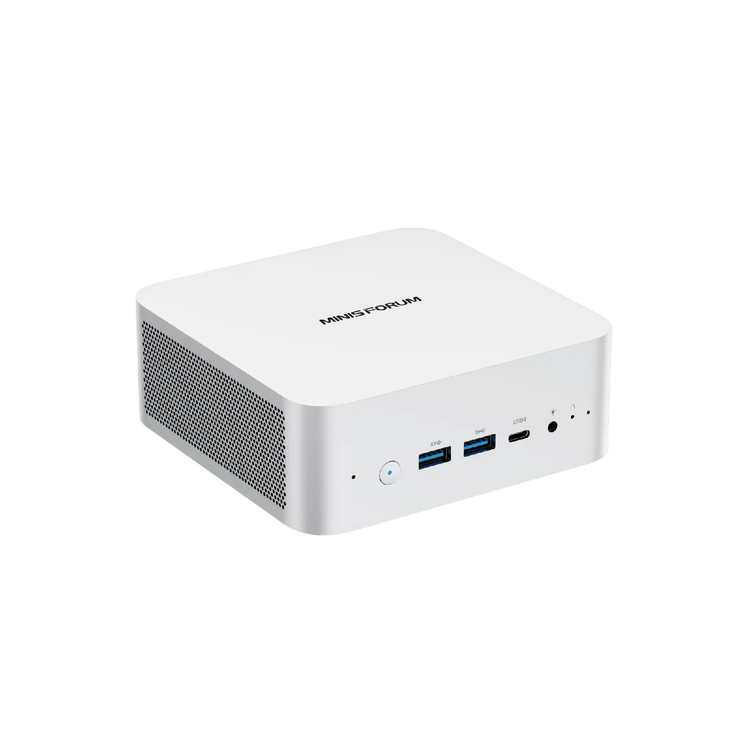 Save $206.00
MINISFORUM M1 Pro-125H
Intel® Core™ Ultra 5 125H | Intel® Arc™ graphics | Dual-Channel DDR5 5600MHz, Up to 128GB
Sale price $823.00Regular price $1,029.00 -
MINISFORUM M1-1295/1390 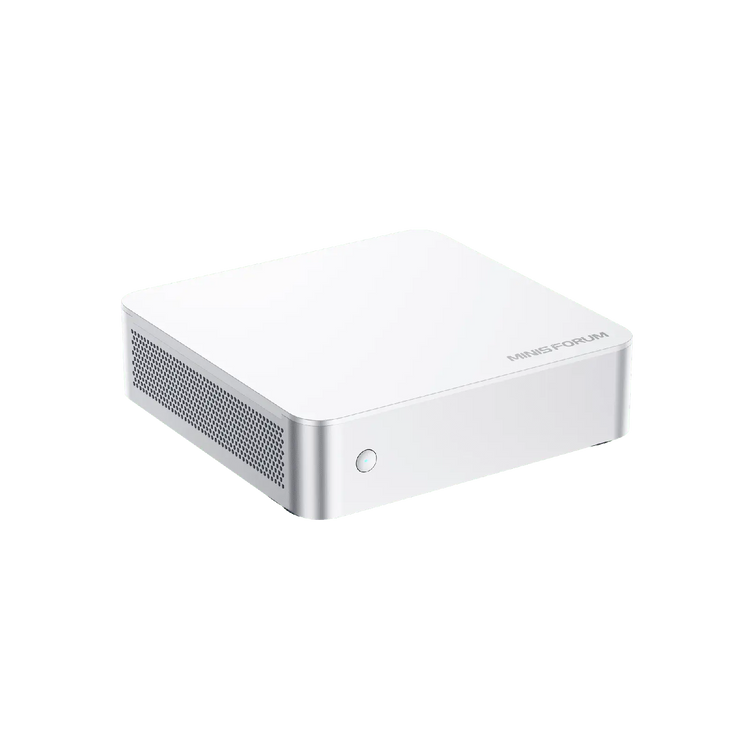 Save $200.00
MINISFORUM M1-1295/1390
Up to Intel Core i9-13900HX | Intel® UHD Graphics | DDR4 (SO-DIMM ×2) Up to 3200MHZ, max 96GB
Sale price $799.00Regular price $999.00 -
MINISFORUM MS-A1 -
MINISFORUM UN1250 -
MINISFORUM UM750 Neo 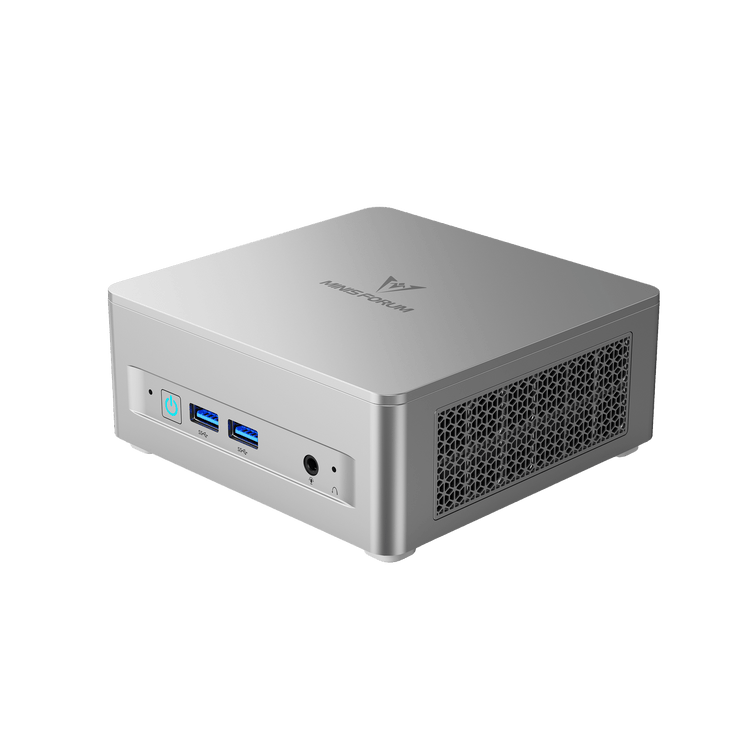 Save $116.00
MINISFORUM UM750 Neo
AMD Ryzen™ Z1 | AMD Radeon Graphics | up to 16GB LPDDR5 6400MT/s
Sale price $463.00Regular price $579.00




FAQ
-
Can a mini PC replace my desktop for everyday work?
Yes. For browser-based work, spreadsheets and video calls, a model such as the UM870 Slim can run a full desktop setup with integrated graphics and multiple monitors. If you also use specialist software, start with its RAM and GPU requirements. -
Which mini PC can run three 4K monitors?
The UM870 Slim supports up to three 4K displays through HDMI 2.1, DisplayPort 1.4 and USB4. Connect one screen to each output. For the USB4 connection, use a monitor or adapter that accepts DisplayPort video over USB-C. -
Can my USB-C monitor power the mini PC as well as display video?
The UM760 Slim accepts 65–100 W USB-C Power Delivery and supports DisplayPort Alt Mode. A monitor that supplies a compatible power profile can carry video and power over one cable. The cable also needs to support the required wattage and video. -
Can I upgrade the RAM after buying a mini PC?
It depends on the model. The UM890 Pro uses replaceable DDR5 SO-DIMMs, so you can change the memory later. The UM750L Slim has onboard LPDDR5, so choose the capacity you want to keep when you order. -
Can I add a second SSD without replacing my boot drive?
Yes, on a model with a free storage slot. The UM870 Slim has two M.2 2280 PCIe 4.0 NVMe slots. If your configuration ships with one SSD, you can leave Windows on it and use the second slot for projects or games. -
Should I choose integrated graphics or a dedicated GPU for a mini PC?
The UM890 Pro’s integrated Radeon 780M is a starting point for everyday graphics and lighter games. If your application requires NVIDIA CUDA or your game calls for dedicated graphics, look at the AtomMan G1 Pro configuration with a GeForce RTX 5060. -
Can I use a desktop graphics card with the UM890 Pro?
Yes. The UM890 Pro has an OCuLink port for an external graphics dock such as the DEG1. You will also need a compatible desktop graphics card and power supply. Shut down the PC before connecting or disconnecting the OCuLink cable. -
Which mini PC can I mount behind my monitor?
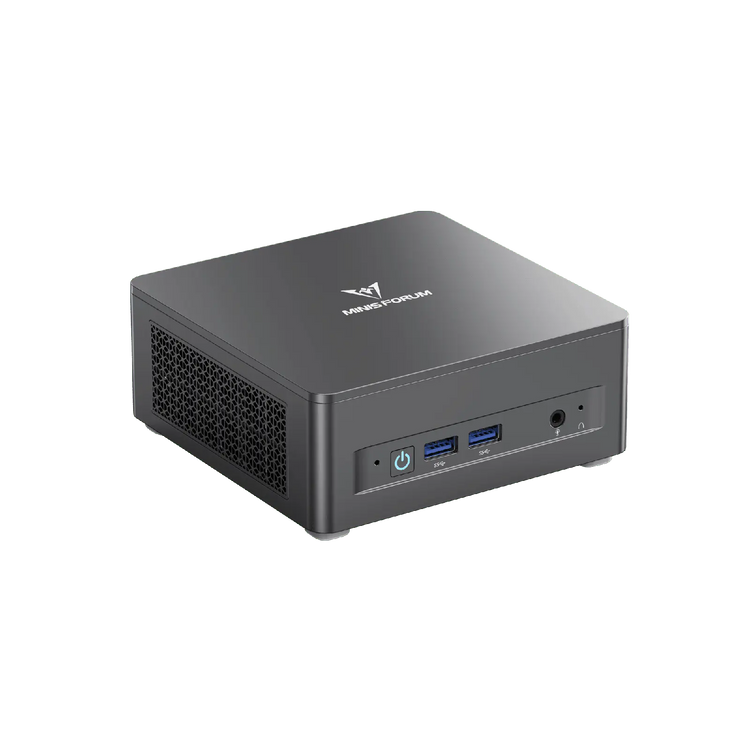
The M1 Lite-125U includes a VESA mount. Check that your monitor has accessible mounting holes, especially if a monitor arm already uses them. Leave space to reach the ports and keep the air vents clear. -
Can I run Linux alongside Windows on the UM870 Slim?
Yes. The UM870 Slim supports Linux installation and dual boot. MINISFORUM does not supply a dedicated Linux driver package for this model, so verify support for your Wi-Fi and graphics hardware in the distribution you plan to use. -
Can I keep a mini PC in a closed cabinet?
Leave open space around its air intake and exhaust. The UM760 Slim is designed for an ambient temperature of 0–35°C (32–95°F). A cabinet can get much warmer than the room during a long render or gaming session.