
 Free & Fast Shipping
 30-Day Easy Returns
 2-Year Quality Guarantee
 Lifetime Technical Support
Filters (17)
Sort
-
MINISFORUM UM760 Plus 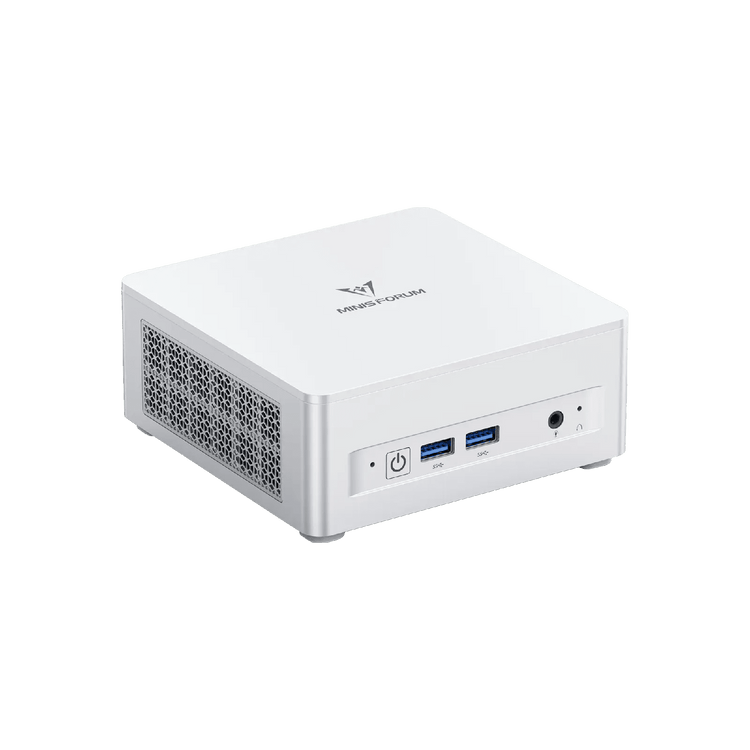 Save $152.00
MINISFORUM UM760 Plus
AMD Ryzen™5 7640HS | AMD Radeon™ 760M | DDR5 (SO-DIMM х2)
Sale price $607.00Regular price $759.00 -
MINISFORUM UM870 Plus  Save $188.00
MINISFORUM UM870 Plus
AMD Ryzen™7 8745H | AMD Radeon™ 760M | DDR5 (SO-DIMM х2)
Sale price $751.00Regular price $939.00 -
MINISFORUM UM880 Plus Save $88.00MINISFORUM UM880 Plus
AMD Ryzen™7 8845HS | AMD Radeon™ 760M | DDR5 (SO-DIMM х2)
Sale price $351.00Regular price $439.00 -
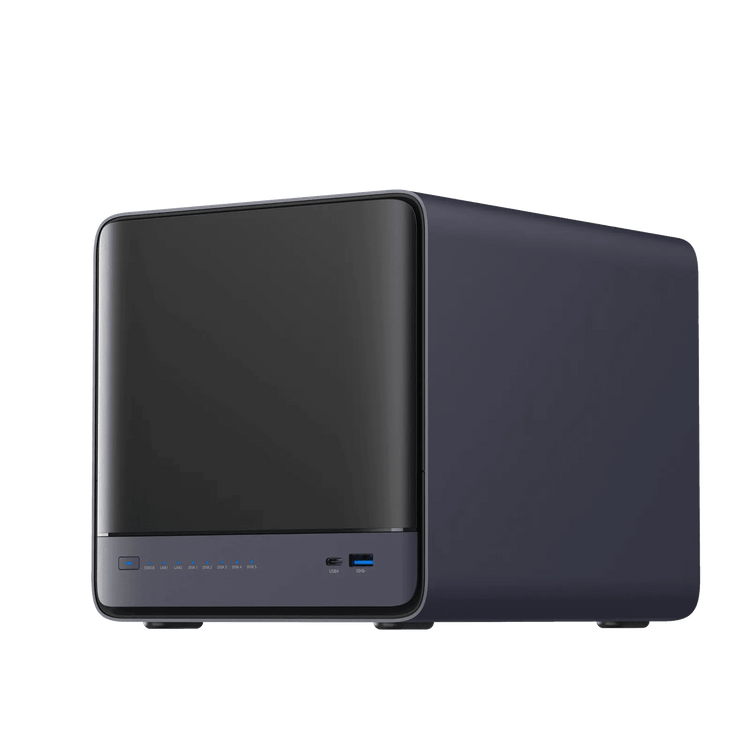
MINISFORUM AI NAS N5 AIR-7640 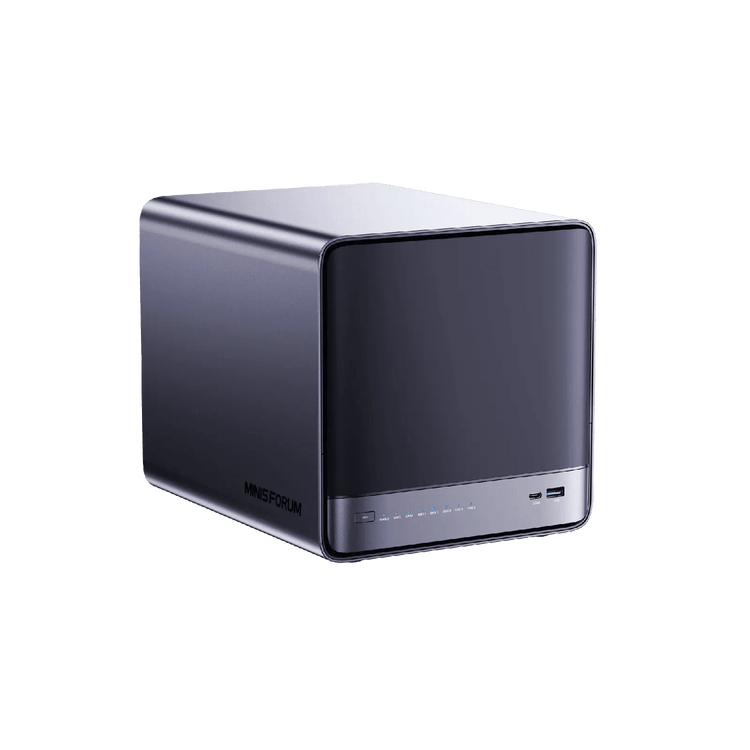 Save $124.00
MINISFORUM AI NAS N5 AIR-7640
AMD Ryzen™ 5 7640HS | AMD Radeon™ 760M | Up to 174TB
Sale price $495.00Regular price $619.00 -
MINISFORUM ESP4B PCIe to 4 × NVMe M.2 Expansion Card  Save $33.10
MINISFORUM ESP4B PCIe to 4 × NVMe M.2 Expansion Card
Compatible with Intel & AMD | OCuLink Expansion | PCIe 4.0 | 4x M.2 NVMe SSD Slots
Sale price $135.90Regular price $169.00


FAQ
-
What is an OCuLink eGPU dock, and why is it better than Thunderbolt for Mini PCs?
OCuLink (Optical Copper Link) provides a direct PCIe 4.0 x4 connection to your Mini PC's processor, offering up to 64Gbps of bandwidth. Unlike Thunderbolt 4 or USB4, which share bandwidth with other ports and introduce latency overhead, OCuLink operates with minimal overhead, delivering near-desktop GPU performance. This makes it the ultimate solution for high-end gaming and 3D rendering. -
Which MINISFORUM Mini PCs are compatible with the OCuLink graphics card dock?
MINISFORUM offers several high-performance models equipped with a dedicated OCuLink port. Popular choices include the UM890 Pro, AI X1 Pro-370/470, AI X1, and M1 Pro. When paired with our DEG1 or DEG2 eGPU docks, these compact machines instantly transform into full-fledged, high-end desktop replacements. -
How does the MINISFORUM DEG series eGPU dock (like DEG1 or DEG2) work?
The MINISFORUM DEG series features an open-frame, minimalist eGPU dock design engineered for maximum airflow and unrestricted GPU sizes. You simply mount any standard desktop graphics card (even massive RTX 5080/5090 series cards) onto the PCIe slot, connect an external power supply, and link it to your MINISFORUM Mini PC via the included OCuLink cable for instant desktop-grade graphics. -
Can I play 4K AAA games or run heavy AI models with a MINISFORUM OCuLink setup?
Absolutely. Because the OCuLink connection minimizes the bandwidth limitations of traditional eGPU setups, your Mini PC can fully leverage flagship graphics cards. Whether you're playing the latest AAA titles at 4K resolution, running complex local AI models (LLMs), or rendering heavy 3D animations, the OCuLink eGPU setup provides excellent performance and rock-solid stability. -
What kind of power supply (PSU) do I need for the MINISFORUM eGPU dock?
Because desktop graphics cards require significant power, the MINISFORUM DEG1 and DEG2 docks require a separate standard ATX or SFX power supply. You should choose a PSU with enough wattage to support your specific graphics card (for example, an 850W PSU for high-end RTX cards). The dock features an intelligent signal sync function, meaning the external GPU and PSU will automatically turn on and off in sync with your Mini PC.