
 Free & Fast Shipping
 30-Day Easy Returns
 2-Year Quality Guarantee
 Lifetime Technical Support
MINISFORUM MS-A2: The Ultimate MiniPC for Your Homelab

Reprinted from Giovanni Dominoni’s blog | Original link: https://www.giovannidominoni.it/minisforum-ms-a2-the-minipc-homelab-beast/
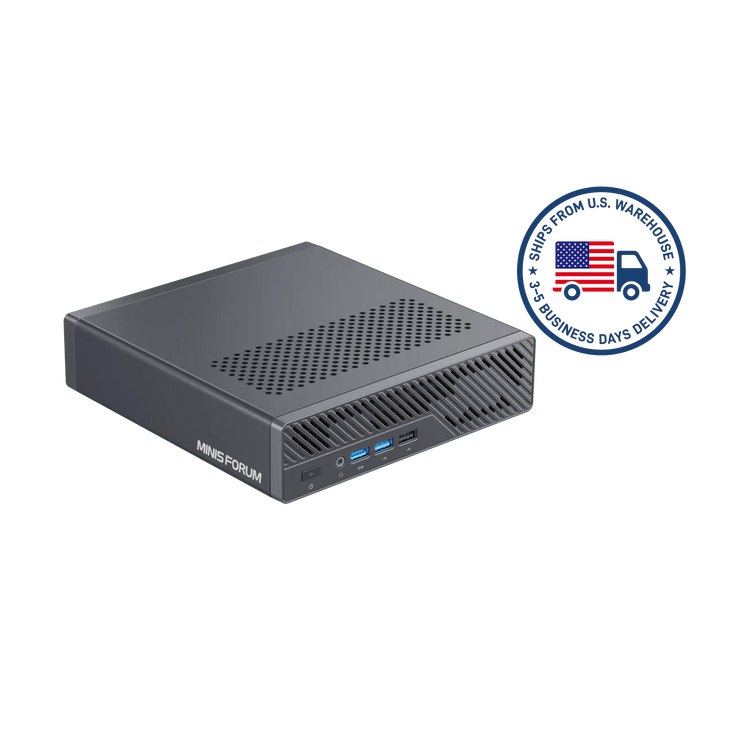
If you’re building a compact, high-performance homelab, the MINISFORUM MS-A2 is one of the most compelling mini PCs you can buy today. It delivers workstation‑grade power, enterprise networking, and serious expandability—all in a small, quiet chassis built for 24/7 use.
Table of Contents
- The Hardware That Actually Matters
- Advanced Networking Options
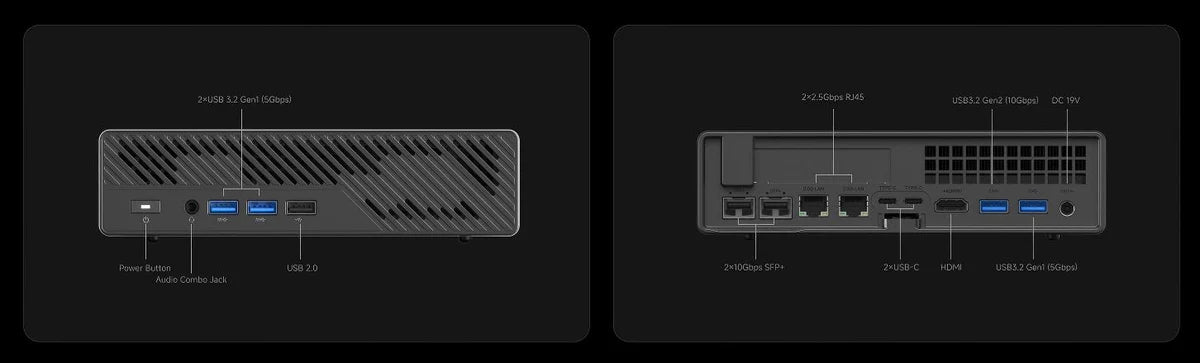
- Front and Back I/O
- Why Homelabbers Should Care
- Best Homelab Use Cases
- Final Verdict
The Hardware That Actually Matters
Choice of CPUs:
AMD Ryzen™ 9 9955HX (Zen 5) – 16 Cores/32 Threads, 64M L3 Cache, Max Boost Clock Up to 5.4 GHz
AMD Ryzen™ 9 8945HX (Zen 4) – 16 Cores/32 Threads, 64M L3 Cache, Max Boost Clock Up to 5.4 GHz
AMD Ryzen™ 7 7745HX (Zen 4) – 8 Cores/16 Threads, 64M L3 Cache, Max Boost Clock Up to 5.1 GHz
All stand out as true multi-core workload beasts for intensive computing tasks.
Integrated GPU:
AMD Radeon™ 610M (not the Radeon™ 780M) — an entry-level graphics solution yet fully capable of handling basic display output, light GPU workloads, and reliable hardware acceleration.
Memory Support:
Equipped with dual-channel DDR5 SO-DIMM slots, supporting up to 96 GB DDR5 RAM. Memory frequencies vary by CPU model: up to 5600 MHz for the 9955HX, and up to 5200 MHz for both the 8945HX and 7745HX.
Storage:
Three full-speed M.2 NVMe slots (two PCIe 4.0×4 lanes, one PCIe 3.0×4 lane), plus support for U.2 enterprise NVMe drives (up to 15 TB per drive) via a dedicated adapter.
Expansion:
One internal PCIe 4.0×16 physical slot (electrical x8), which can be split into two ×4 lanes for flexible upgrades — compatible with discrete GPUs, high-speed network cards (NICs), or storage controllers.
Advanced Networking Options
Dual 10 GbE SFP+ ports (Intel X710), plus two 2.5 GbE RJ45 ports (one Intel i226‑V and one Realtek RTL8125)—excellent for multi-speed home networks.
Built-in Wi‑Fi 6E and Bluetooth 5.x support via M.2 adapter; upgradeable to Wi‑Fi 7 with supported cards.
Front and Back I/O
Front panel includes two USB 3.2 Gen1 Type‑A and one USB 2.0 ports, plus a 3.5 mm combo jack and power button.
Rear I/O provides: one HDMI 2.0 output, two USB‑C 3.2 Gen2 (each 10 Gbps with DisplayPort Alt‑mode up to DP 2.0 supporting 8 K@60 Hz), four other USB 3.2 Type‑A ports, and front/back audio jack. Importantly: no USB4 or Thunderbolt 4 connectivity.
Why Homelabbers Should Care
1. Massive Multi‑Core Performance in a Miniature
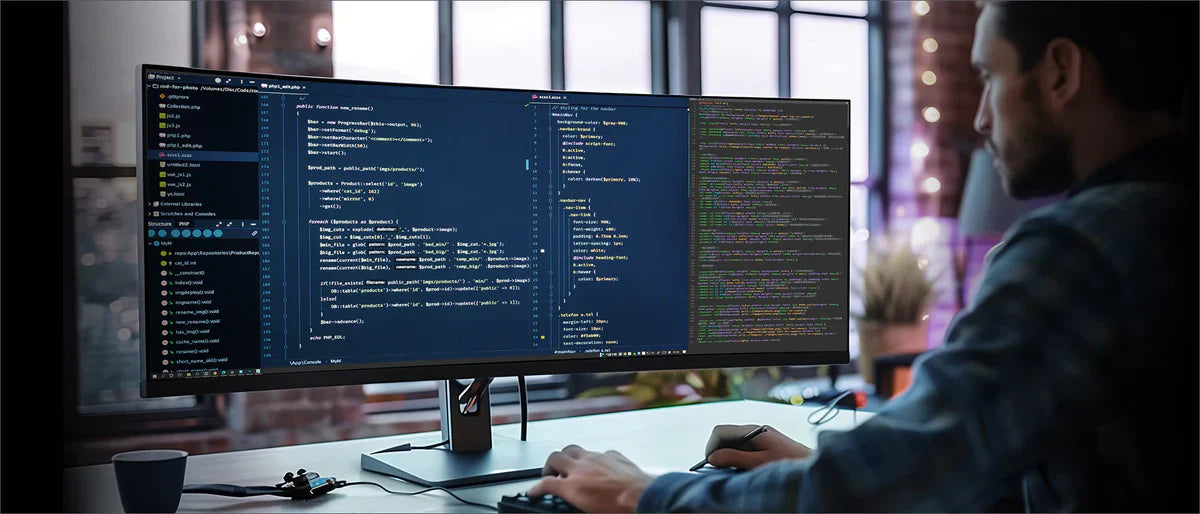
With 16 cores / 32 threads from Ryzen 8945HX or 9955HX, even the most demanding multi‑VM workloads, Kubernetes clusters, nested virtualization (e.g. Proxmox or ESXi), or heavy container builds are handled well. Zen 5’s IPC improvements give a further edge on the 9955HX model.
2. High‑Speed Internal Storage & Scalability
Three PCIe 4.0 NVMe slots let you set up fast OS drives, scratch/cache volumes, or internal storage pools. Plus, U.2 support allows for enterprise-grade SSDs if you’re looking for extreme capacity or reliability. This capacity in terms of number of diskS that you can install allows to configure the bare minimum for hyperconvergence nodes like Nutanix Community Edition or VMware vSAN. (especially if you have multiple nodes you can also leverage on the 10Gb network for the storage communication between nodes, not bad at all!)
3. Enterprise‑Grade Networking in a Compact Unit
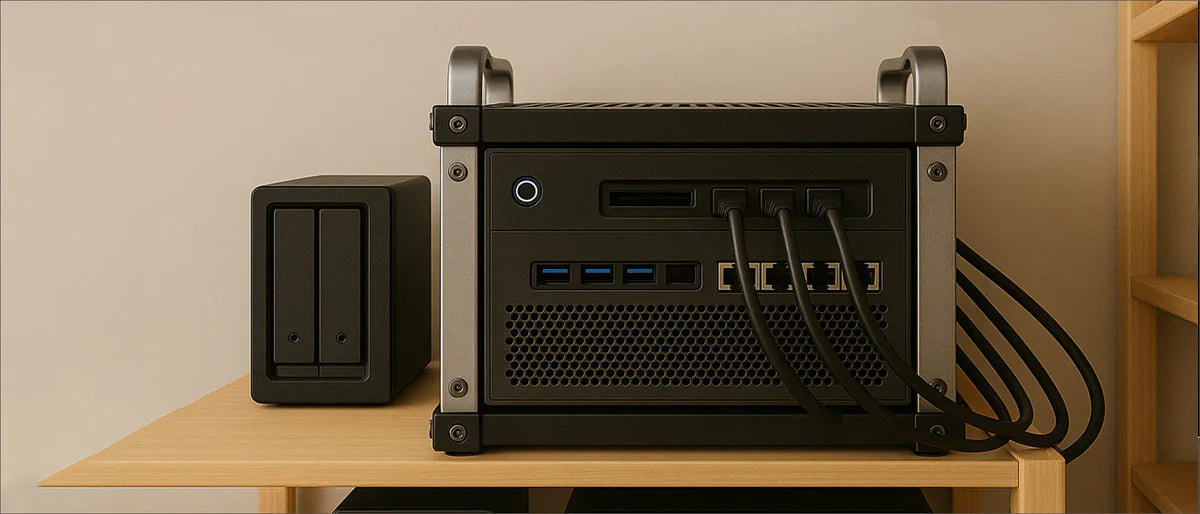
With two 10 GbE SFP+ ports and two 2.5 GbE RJ45 ports, routing, network simulation, firewall testing, and high-speed storage networks become easy to deploy inside your lab environment — despite the small 1.7 L footprint.
4. PCIe Expansion Slot for Add‑On Modules
The internal PCIe 4.0 slot (electrical x8) allows you to plug in discrete NICs, GPUs, or storage controllers—an uncommon feature in such small systems. This enables edge GPUs for AI tasks or even low-profile video workloads, plus future flexibility.
5. Upgrade‑Friendly and Well‑Cooled
Tool‑less chassis access makes component upgrades fast. Reviews found the cooling system efficient, the included M.2 heat‑sink useful, and overall build quality nearly ideal for 24/7 homelab operation.
Best Homelab Use Cases
Proxmox, Nutanix CE or ESXi node: Run multiple nested VMs, virtual routers, and containers with full wire-level SFP+ connectivity.
vSphere/NSX‑T lab: Build professional networking and virtualization labs with 10 GbE interfaces and expandable storage.
TrueNAS SCALE: Dual 10GbE allows for shared ZFS pools across nodes; U.2 capacity lets you go large.
Edge Kubernetes node / AI inference: With PCIe slot for GPU acceleration.
Self-hosted development stack or media server: ZFS pools, fast CPU transcoding (Radeon 610M), and high RAM capacity.
Final Verdict
The MINISFORUM MS‑A2 isn’t just a mini PC — it’s a small-form-factor workstation engineered for homelab excellence:
Up to 96 GB DDR5 RAM, triple internal NVMe + U.2 storage – in reality some great homelabbers already tried with the 128GB Kit and it was working smoothly.
Dual 10 GbE + dual 2.5 GbE networking
PCIe 4.0 x8 expansion slot for customizable scalability
Compact, tool‑less, and thermally efficient
Despite lacking Thunderbolt, it remains a compelling option for users prioritizing processing horsepower, internal connectivity, storage flexibility, and networking performance over external device bandwidth. For homelab projects focused on virtual infrastructure, network appliances, storage arrays, or edge compute, this system delivers remarkable capabilities in a sleek footprint.
If you’re ready to upgrade your homelab with this powerful compact workstation, check out the full lineup and secure your Minisforum MS-A2 today!
-
MINISFORUM MS-A2 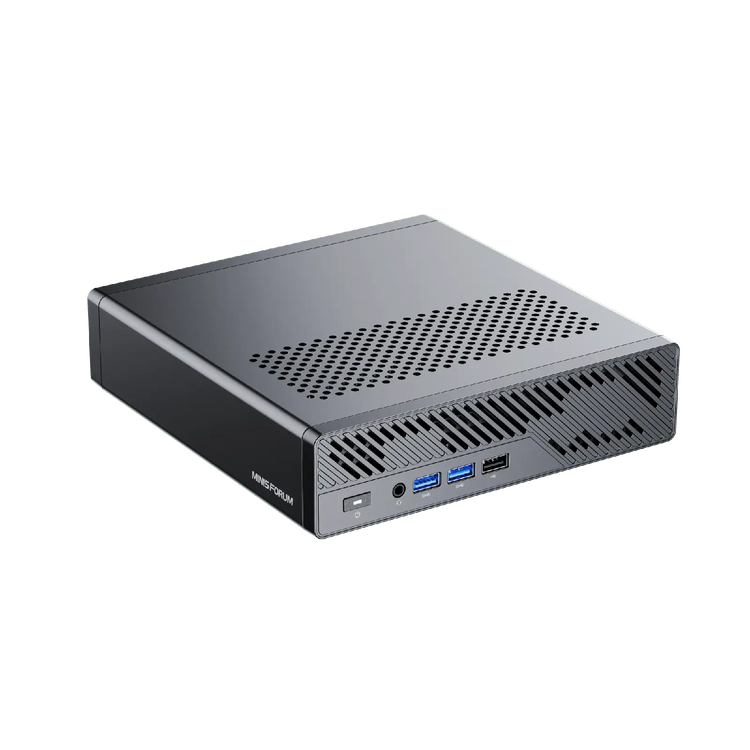
 Save $200.00
MINISFORUM MS-A2
AMD Ryzen™ 9 9955HX | AMD Radeon™ 610M | Up to 96GB DDR5 (SO-DIMM х2)
Precio de oferta $799.00 Precio habitual $999.00

❗️This article is republished from the website
Source: https://www.giovannidominoni.it/
Original title: Minisforum MS-A2 – The miniPC Homelab Beast
Author: Giovanni Dominoni
Original link: https://www.giovannidominoni.it/minisforum-ms-a2-the-minipc-homelab-beast/
This republication has been authorized by the original author. For further republication, please contact the original author.
The views and opinions expressed in this article are those of the author and do not necessarily reflect the official position of Minisforum.
0 comentarios
SUBMIT COMMENT