
 Free & Fast Shipping
 30-Day Easy Returns
 2-Year Quality Guarantee
 Lifetime Technical Support


Accessories
Filters (10)
Sort
-
MINISFORUM DEG1 eGPU Dock 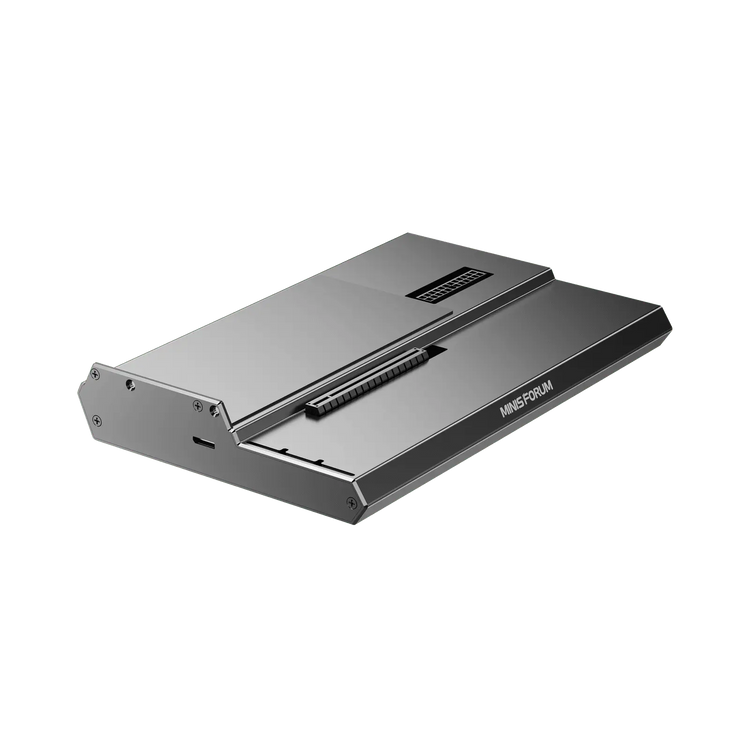 Save $30.00
MINISFORUM DEG1 eGPU Dock
PCIE4.0x4 Expansion Interface, up to 64GT/s | Compatible with ATX/SFX
Sale price $109.00Regular price $139.00 -
MINISFORUM DEG2 OCulink eGPU Dock 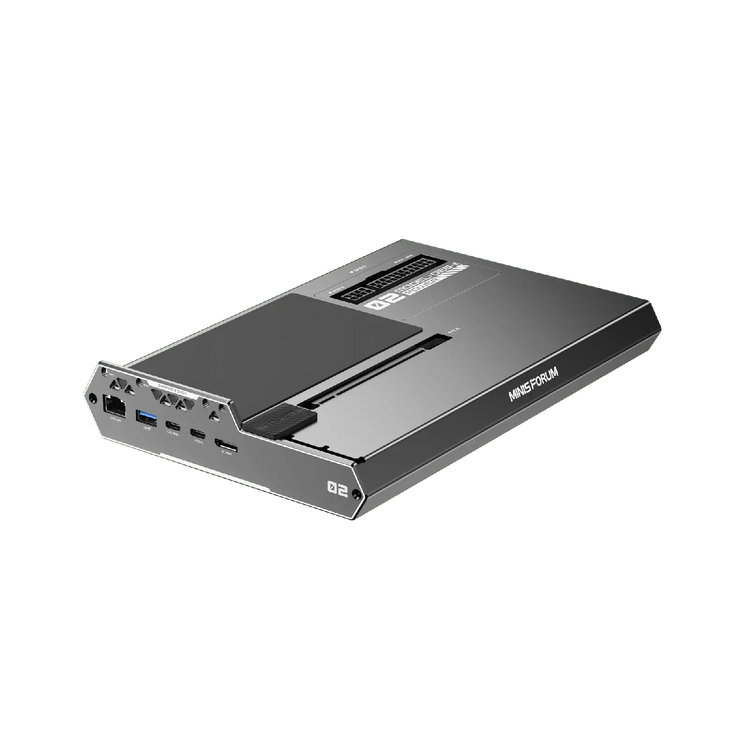 Save $49.10
MINISFORUM DEG2 OCulink eGPU Dock
Dual OCuLink | OCuLink (PCIe 4.0×4) | Up to 64 Gbps
Sale price $259.90Regular price $309.00 -
MINISFORUM ENPBA PCIe To 25G + 2NVME Card -
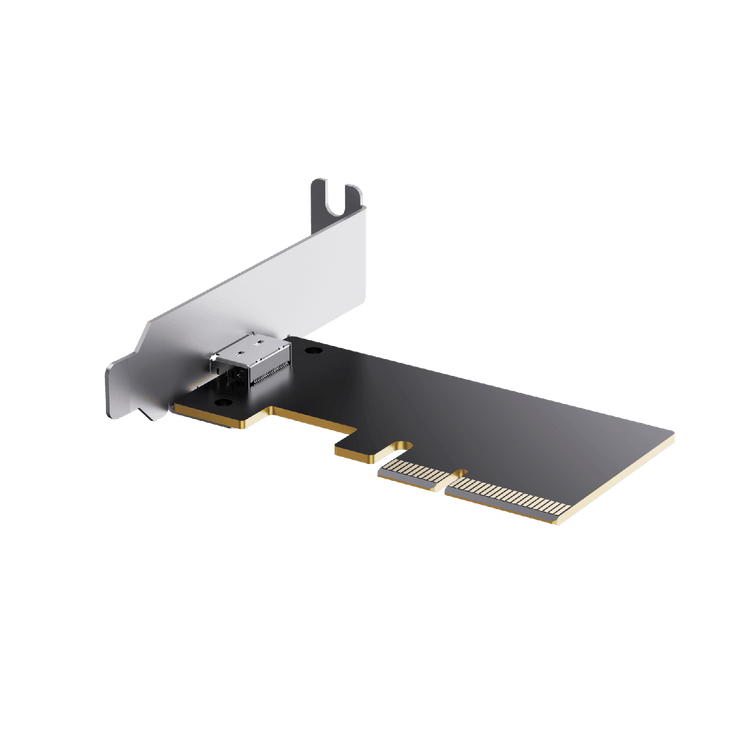
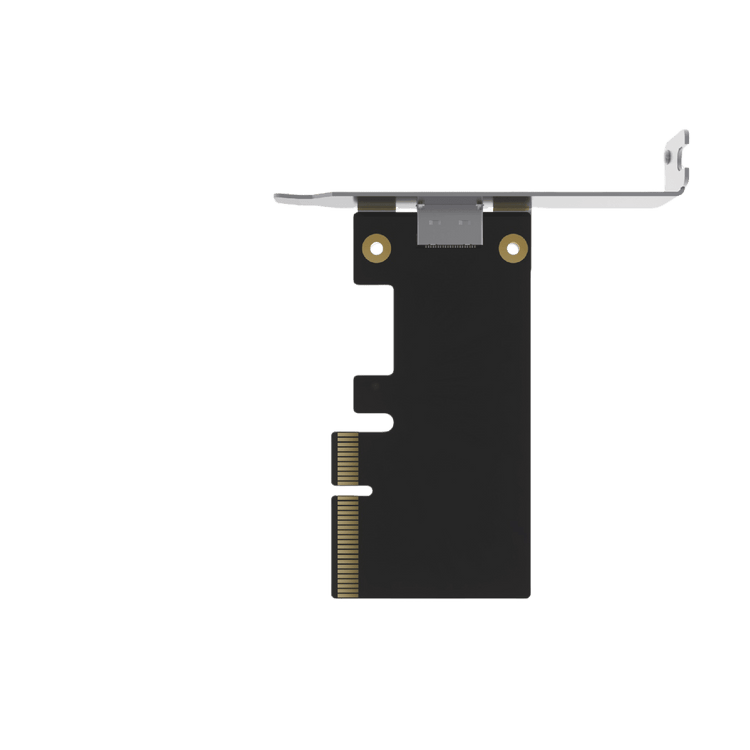
MINISFORUM EOP4A PCIe to OCuLink Card -
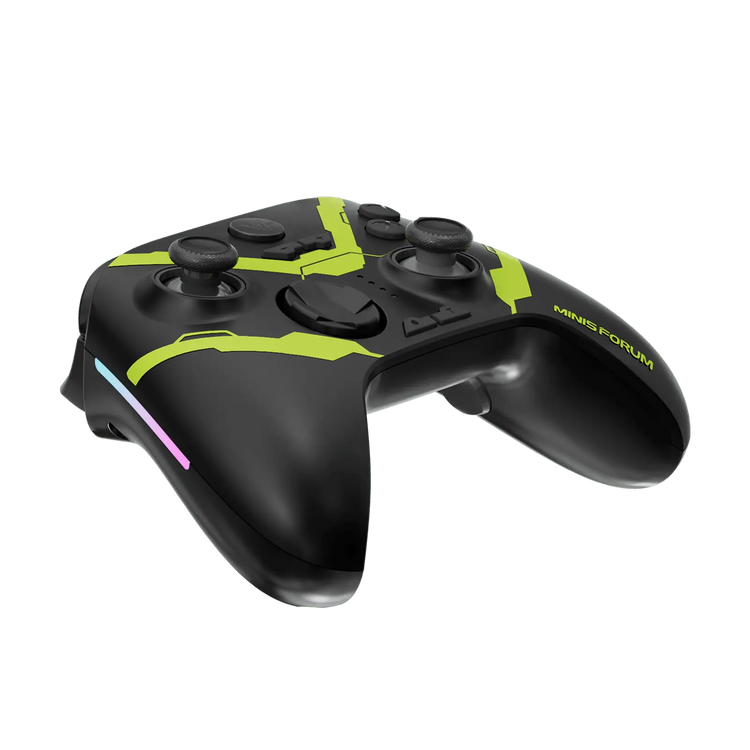
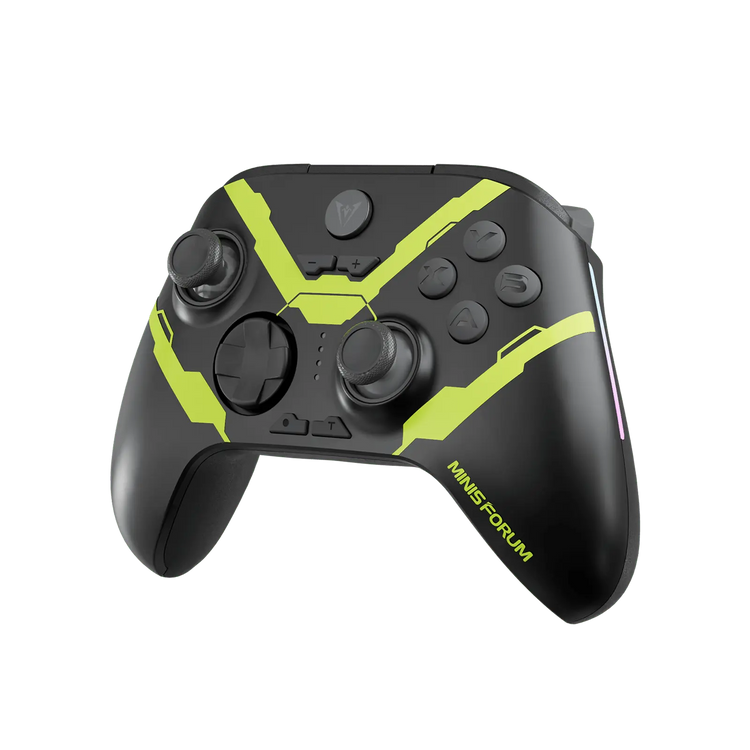
MINISFORUM MGP01 Game Controller -
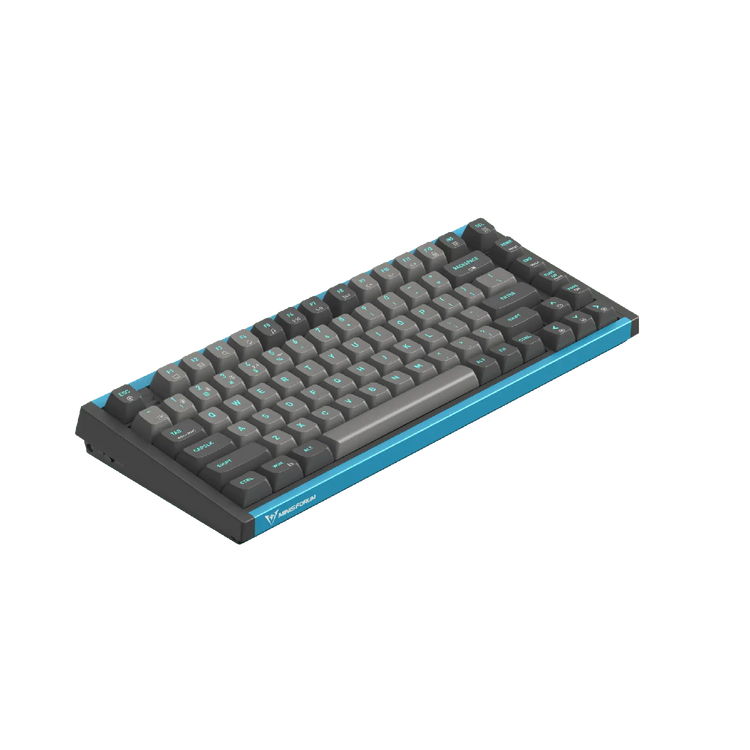
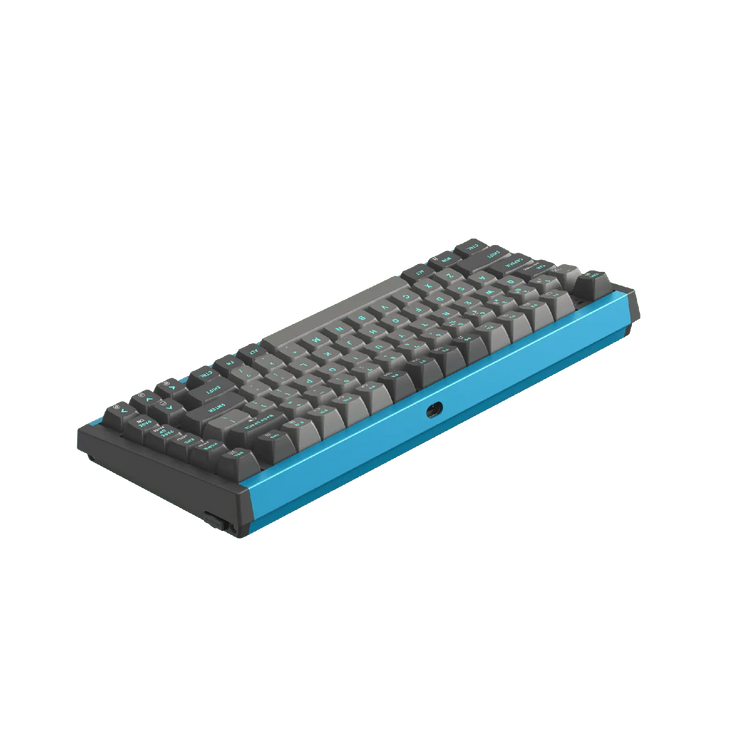
MINISFORUM MKB i83 -
MINISFORUM Wireless Mouse -
MINISFORUM Mouse Pad -
MINISFORUM Christmas Keyboard & mouse set -
MINISFORUM ESP4B PCIe to 4 × NVMe M.2 Expansion Card  Save $33.10
MINISFORUM ESP4B PCIe to 4 × NVMe M.2 Expansion Card
Compatible with Intel & AMD | OCuLink Expansion | PCIe 4.0 | 4x M.2 NVMe SSD Slots
Sale price $135.90Regular price $169.00






FAQ
-
What is the advantage of using an OCuLink cable over USB4 for my external graphics card (eGPU)?
OCuLink is the ultimate solution for zero-compromise gaming and AI workflows. Unlike USB4, which shares bandwidth with other data protocols, an official OCuLink cable provides a direct PCIe 4.0 x4 connection (up to 64Gbps) straight to the CPU. This drastically reduces overhead and latency, allowing flagship desktop graphics cards to perform at near-native speeds without the performance bottlenecks typical of Thunderbolt or standard USB docks. -
Do I need to buy a separate power supply to use the MINISFORUM eGPU docking station?
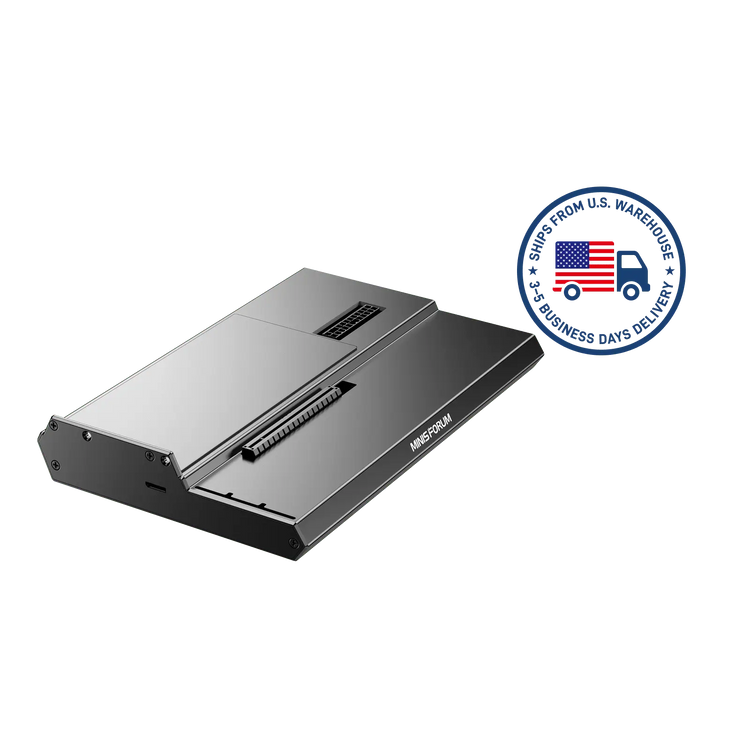
Yes. A Mini PC cannot provide the massive wattage required by a desktop-grade graphics card. Our eGPU docking stations (such as the DEG1) feature a standard 24-pin ATX power connector, meaning you will need to pair it with a standard ATX or SFX power supply. Simply choose a PSU that meets the wattage requirements of your specific RTX or Radeon graphics card, plug it into the dock, and you are ready to render. -
Can I use any brand of desktop graphics card with your eGPU accessories?
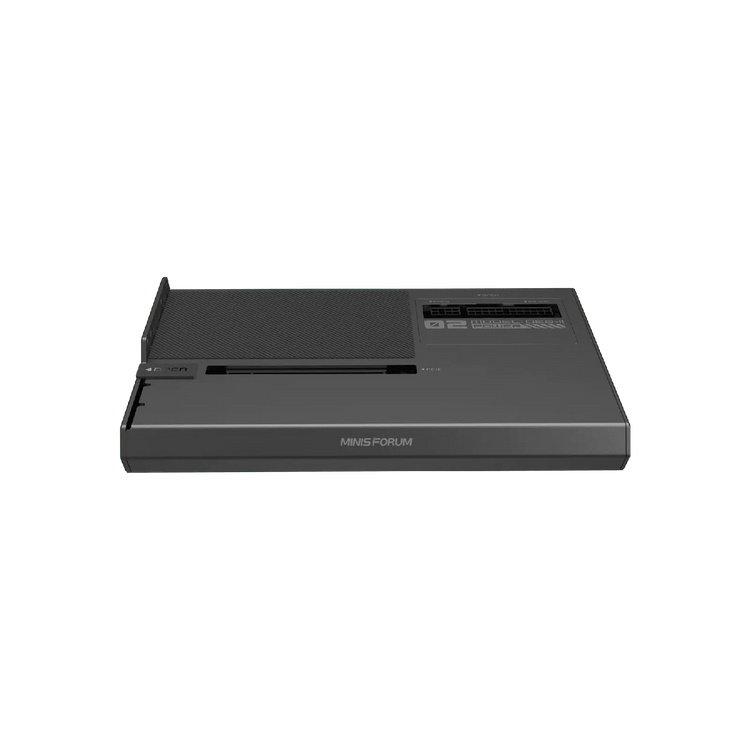
Absolutely. Our barebone eGPU docking stations feature an open-air standard PCIe x16 slot, meaning there are zero physical length or thickness restrictions. You can freely install any massive, modern AMD Radeon™ or NVIDIA® GeForce RTX™ desktop graphics card. As long as your chosen ATX/SFX power supply can handle the card's power draw, the hardware ecosystem is completely unlocked. -
Why should I purchase an official replacement power adapter instead of a cheaper third-party alternative?
MINISFORUM systems are engineered to operate at sustained high TDPs during heavy multitasking or 3A gaming. Off-the-shelf third-party chargers often suffer from unstable voltage or fail to deliver peak wattage during system spikes, leading to random reboots, thermal issues, or permanent motherboard damage. Our official replacement adapters are rigorously tested to provide rock-solid, uninterrupted power delivery for 24/7 reliability. -
Are the official VESA mount brackets compatible with any monitor?
Our VESA mounting brackets are designed to comply with standard VESA dimensions (typically 75x75mm or 100x100mm), making them compatible with the vast majority of modern PC monitors and TVs. However, the exact locking mechanism on the bracket varies depending on the MINISFORUM Mini PC model. Always ensure you are purchasing the specific VESA accessory kit designed for your exact system's chassis.