
 Free & Fast Shipping
 30-Day Easy Returns
 2-Year Quality Guarantee
 Lifetime Technical Support


MINISFORUM Next-Gen NAS | From Private Cloud to AI Agent Hubs
Transform data management with a powerful MINISFORUM AI NAS. Engineered to seamlessly run your private cloud, local LLMs, and virtual machines.
Filters (5)
Sort
-
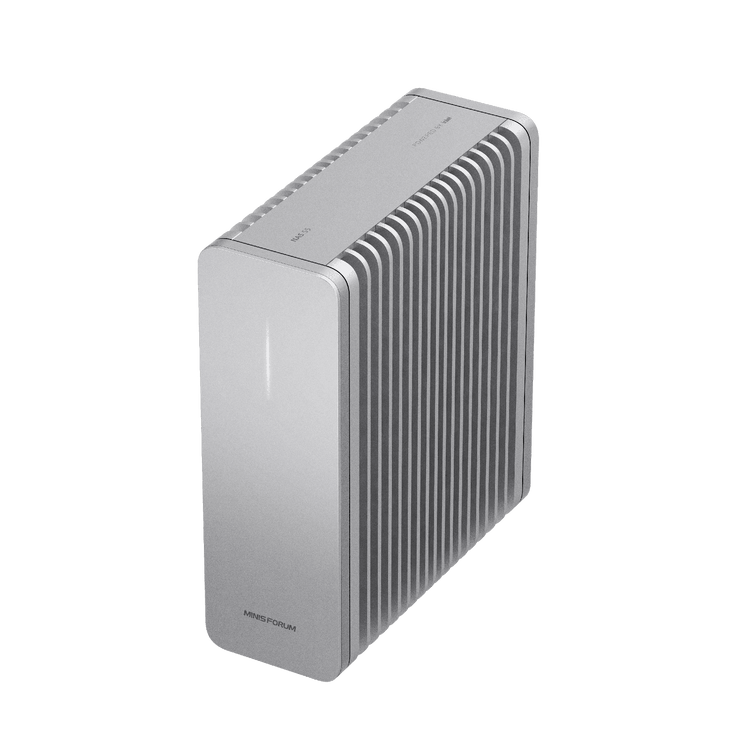
MINISFORUM AI NAS S5-304 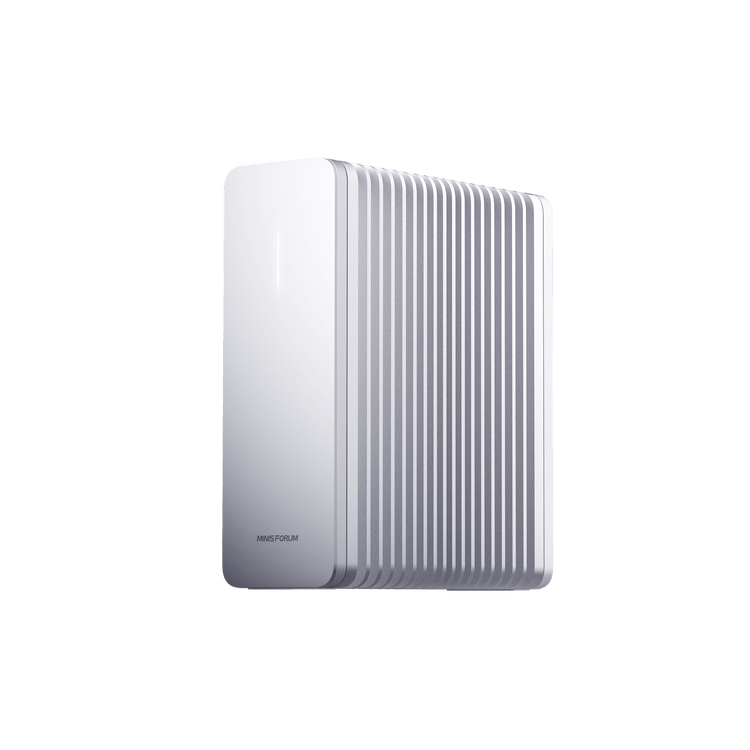
 New
MINISFORUM AI NAS S5-304
MINISFORUM AI NAS S5-304 | Intel® Core™ 3 processor 304 | LPDDR5X up to 7500MT/s
Sale price $499.00Regular price $749.00 -
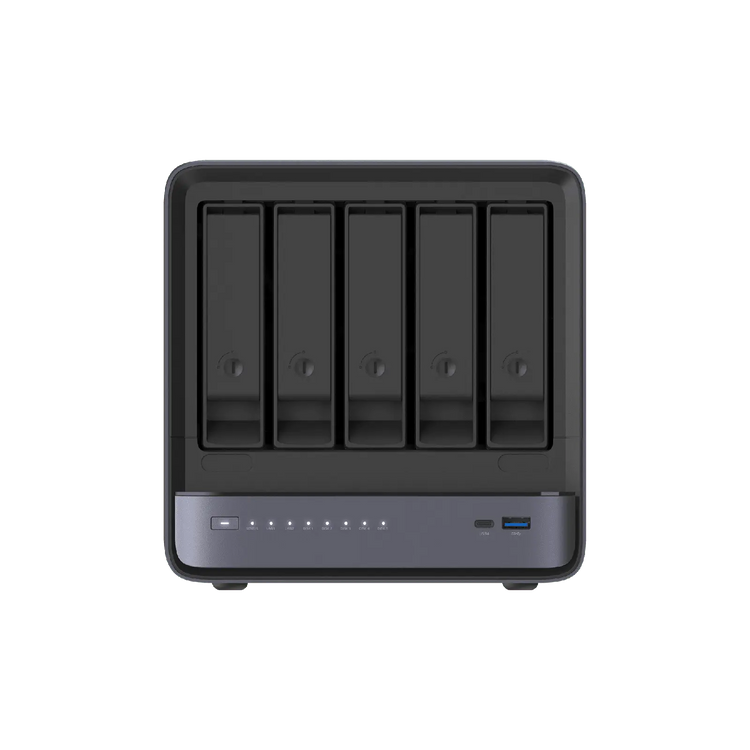
MINISFORUM AI NAS N5 AIR-7640 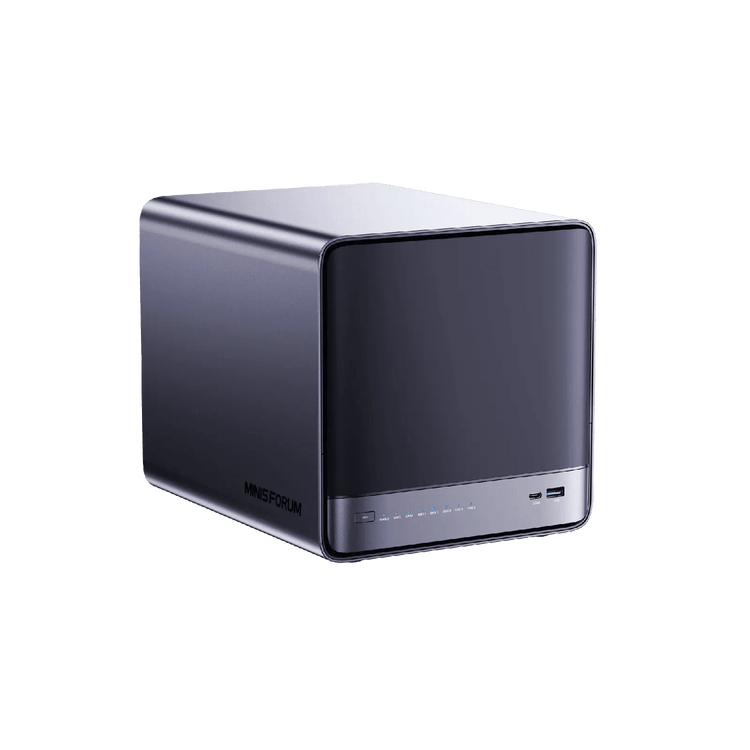 Save $124.00
MINISFORUM AI NAS N5 AIR-7640
AMD Ryzen™ 5 7640HS | AMD Radeon™ 760M | Up to 174TB
Sale price $495.00Regular price $619.00 -
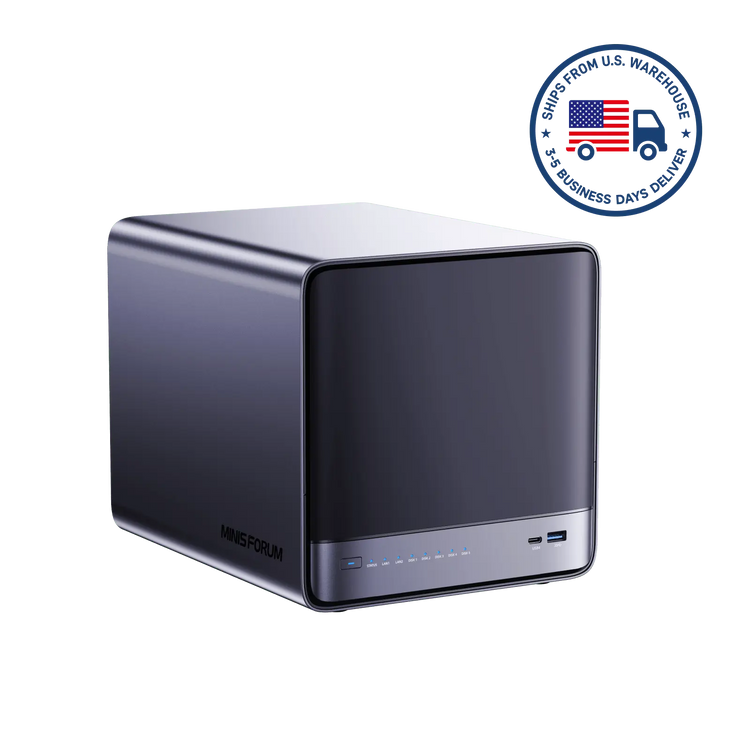
MINISFORUM N5 MAX AI NAS 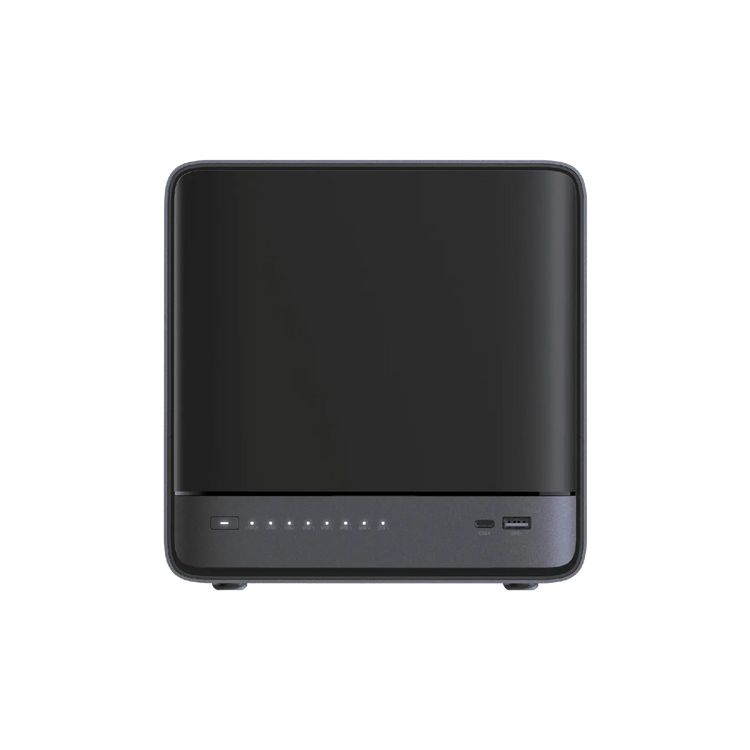
 Save $600.00
MINISFORUM N5 MAX AI NAS
AMD Ryzen™ AI Max+ 395 | Radeon 8060S Graphics | Up to 200TB
Sale price $2,399.00Regular price $2,999.00 -
MINISFORUM N5 AIR AI NAS -
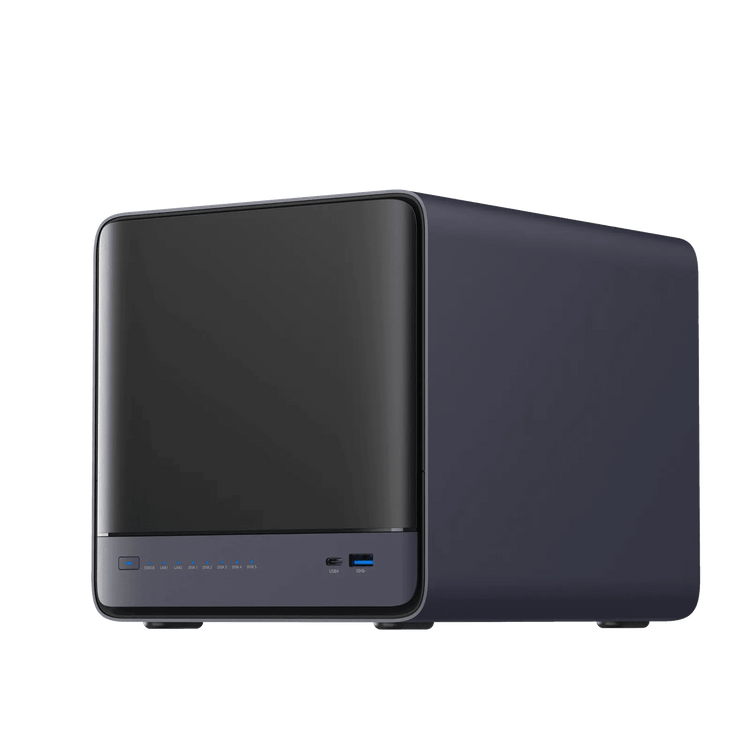
MINISFORUM N5 Pro AI NAS 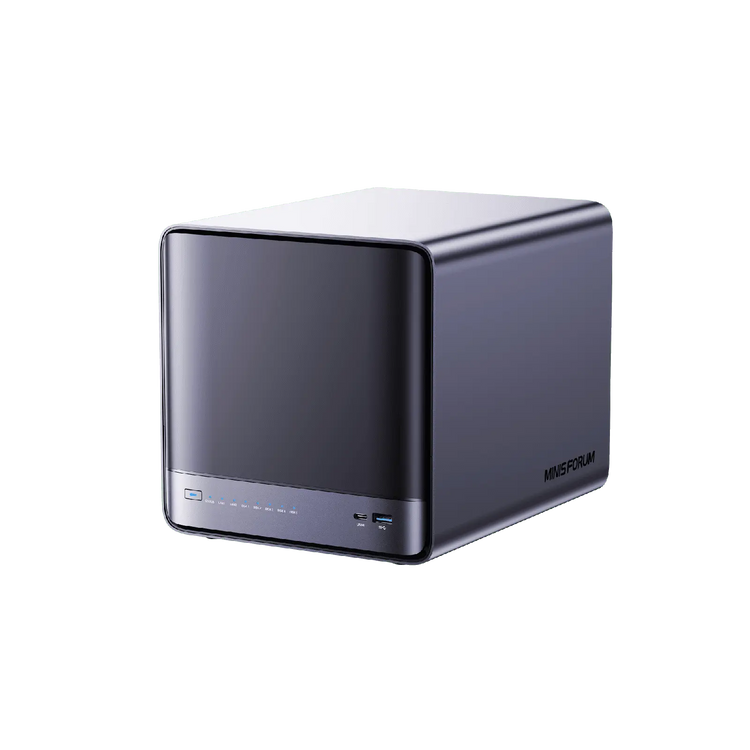
 Save $300.00
MINISFORUM N5 Pro AI NAS
AMD Ryzen™ AI 9 HX PRO 370 | Up to 188TB | 80 TOPS in Total
Sale price $1,179.00Regular price $1,479.00
 New


FAQ
-
Which MINISFORUM NAS can use the drives I already own?
The S5-304 takes up to five M.2 2280 NVMe SSDs. The N5 AIR-7640 takes up to five 3.5-inch or 2.5-inch SATA drives plus three M.2 NVMe SSDs, so it suits a mix of hard drives and flash storage. Back up existing data before creating a new storage pool. -
What does 0TB mean on an S5-304 configuration?
The 0TB option includes 128 GB of UFS system storage and leaves all five M.2 slots available for your own data SSDs. You can start with one compatible NVMe drive or select a configuration that includes data drives. -
How much usable storage will I get from an N5 AIR-7640?
Its 174 TB figure adds five 30 TB SATA drives and three 8 TB NVMe SSDs. That is raw capacity across both drive types. For example, five equal 10 TB drives in RAID 5 provide about 40 TB before formatting, with the equivalent of one drive used for parity. -
Which RAID level should I choose for an N5 AIR-7640?
A two-drive RAID 1 mirror on the N5 AIR-7640 can tolerate one drive failure. With three or more drives, RAID 5 can tolerate one failure. With four or more, RAID 6 can tolerate two. Keep a separate backup for accidental deletion or loss of the NAS itself. -
Can I access the NAS from a laptop that uses Wi-Fi?
Yes. Connect the N5 Pro to your router or switch by Ethernet, then open its shared folders from a laptop on the same network. For large transfers from a wired workstation, the N5 Pro offers 10GbE and 5GbE ports. The client, switch and cabling also need to support the speed you choose. -
Can I run Plex on the N5 Pro?
Yes. The N5 Pro supports Plex Media Server. For best results, use Direct Play when the playback device supports the file’s format. If Plex has to convert the video, performance depends on the codec, resolution and whether hardware acceleration is enabled. -
Which NAS offers room to add RAM for Docker containers?
The N5 AIR-7640 has two replaceable DDR5 SO-DIMMs and supports up to 96 GB. The S5-304 uses fixed onboard memory. If you plan to add containers over time, allow enough RAM for the services that run together and for the NAS operating system. -
What operating system comes with the N5 Pro, and can I run Ubuntu?
The N5 Pro ships with MinisCloud OS and also supports Ubuntu and Windows 11. If you install a second system on a separate M.2 drive, press F7 at startup to choose which drive to boot. -
Which NAS can run local AI models alongside file storage?
The N5 MAX pairs a Ryzen AI Max+ 395 with Radeon 8060S graphics and is available with 64 GB or 128 GB of unified memory. For a local language model, allow room for its weights, context and the file services that will stay running. -
Which NAS would suit a quiet desk or recording space?
The S5-304 uses passive cooling and solid-state drives, so it has no system fan or spinning disks. Its chassis helps dissipate heat from the SSDs. Leave space around it for airflow, especially during prolonged transfers.