

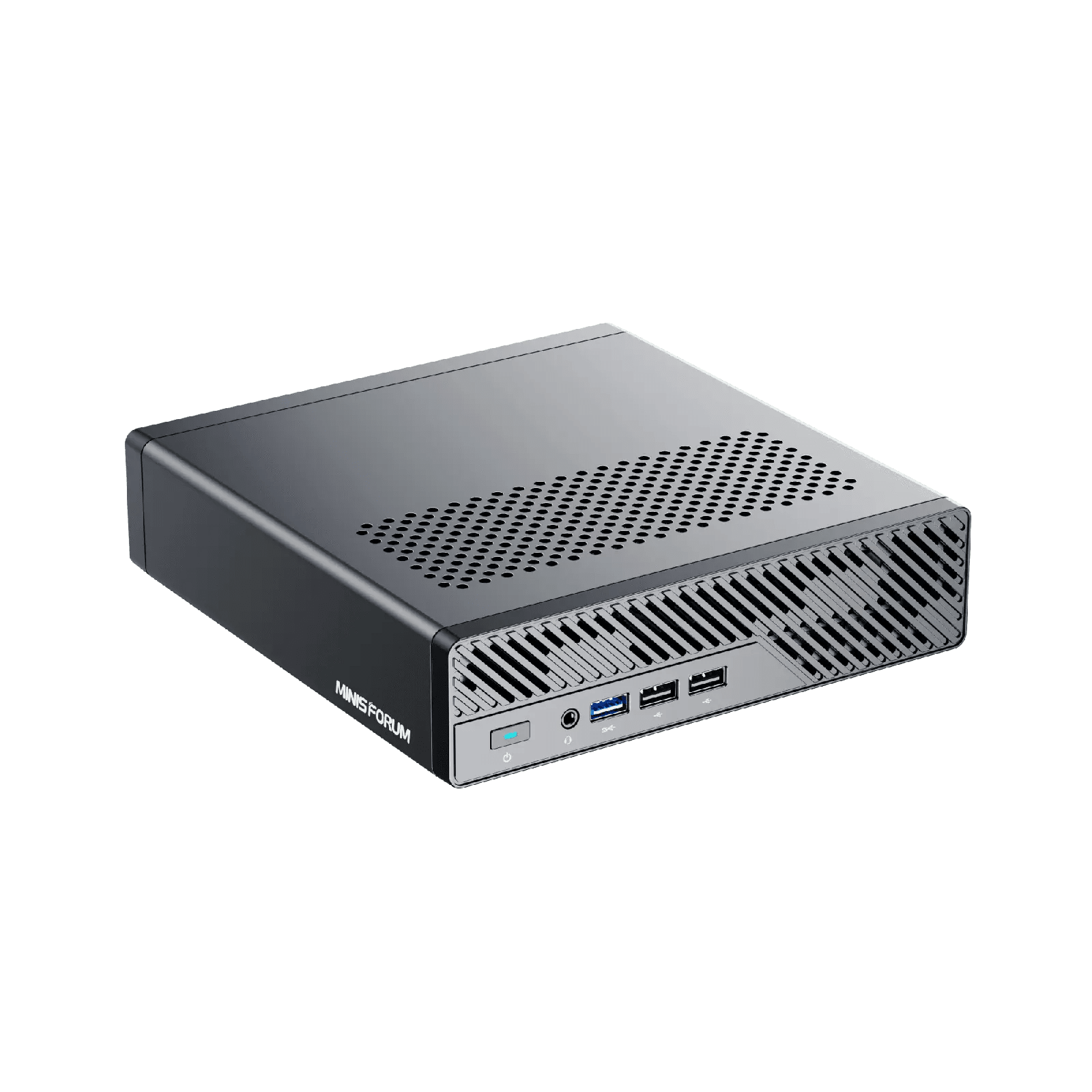
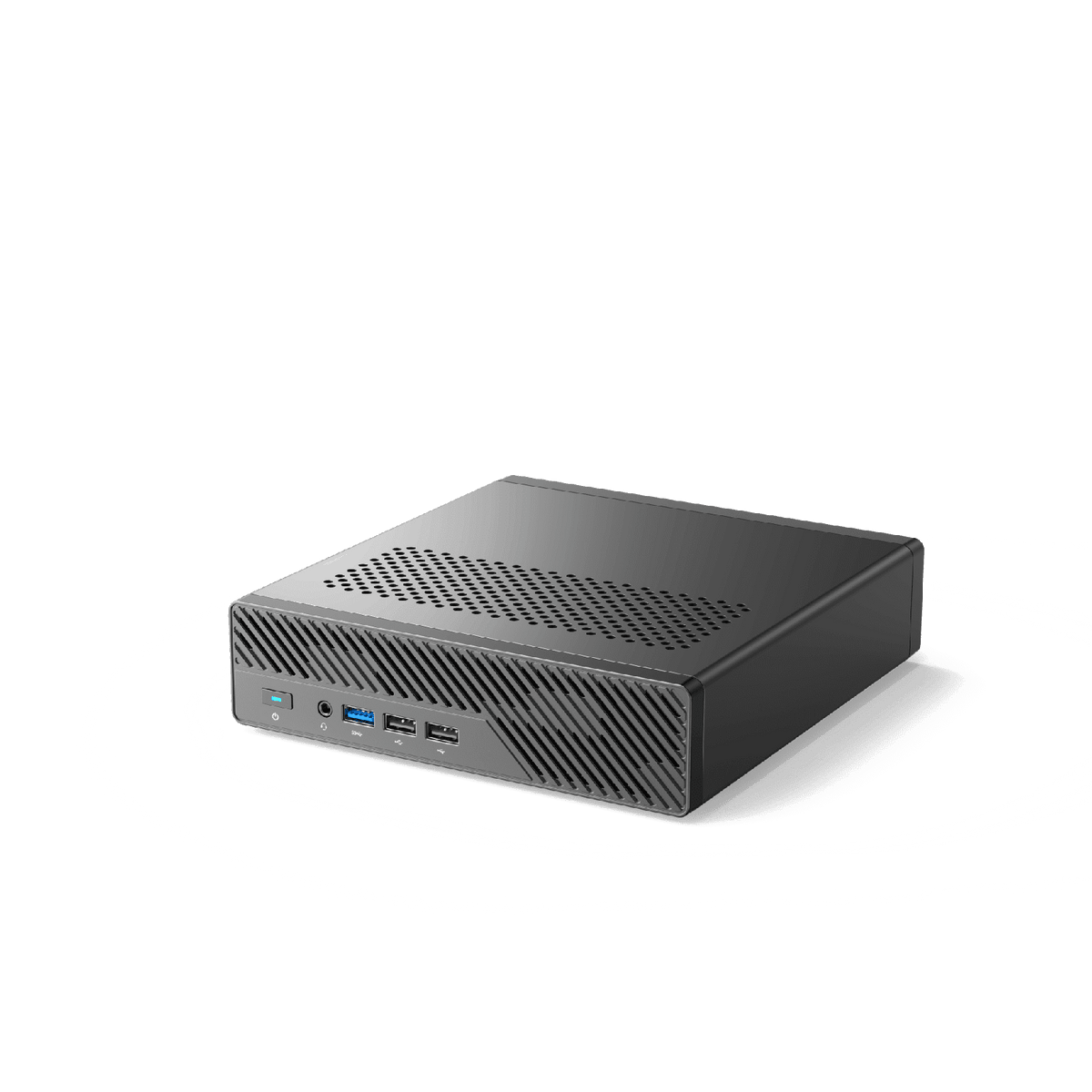
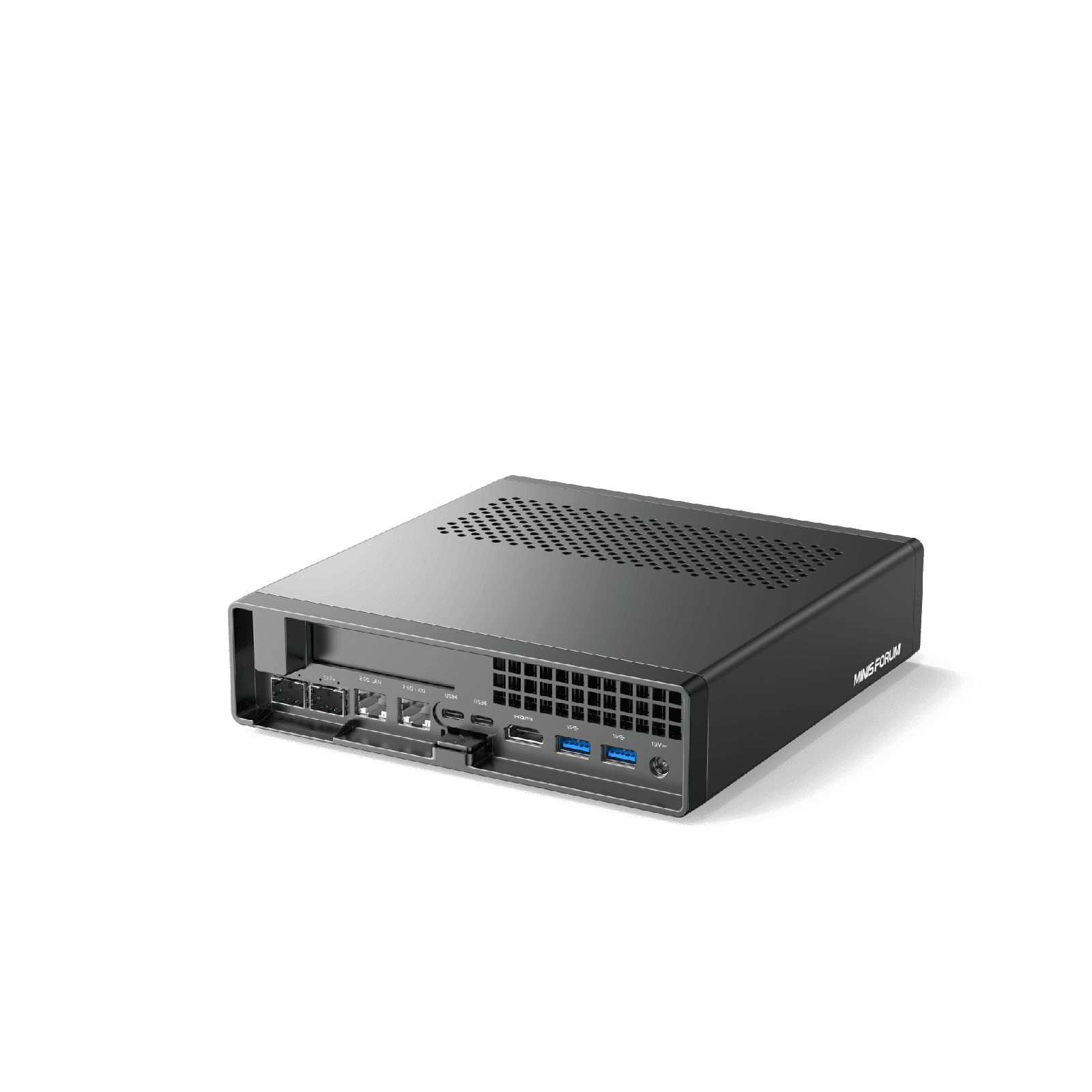
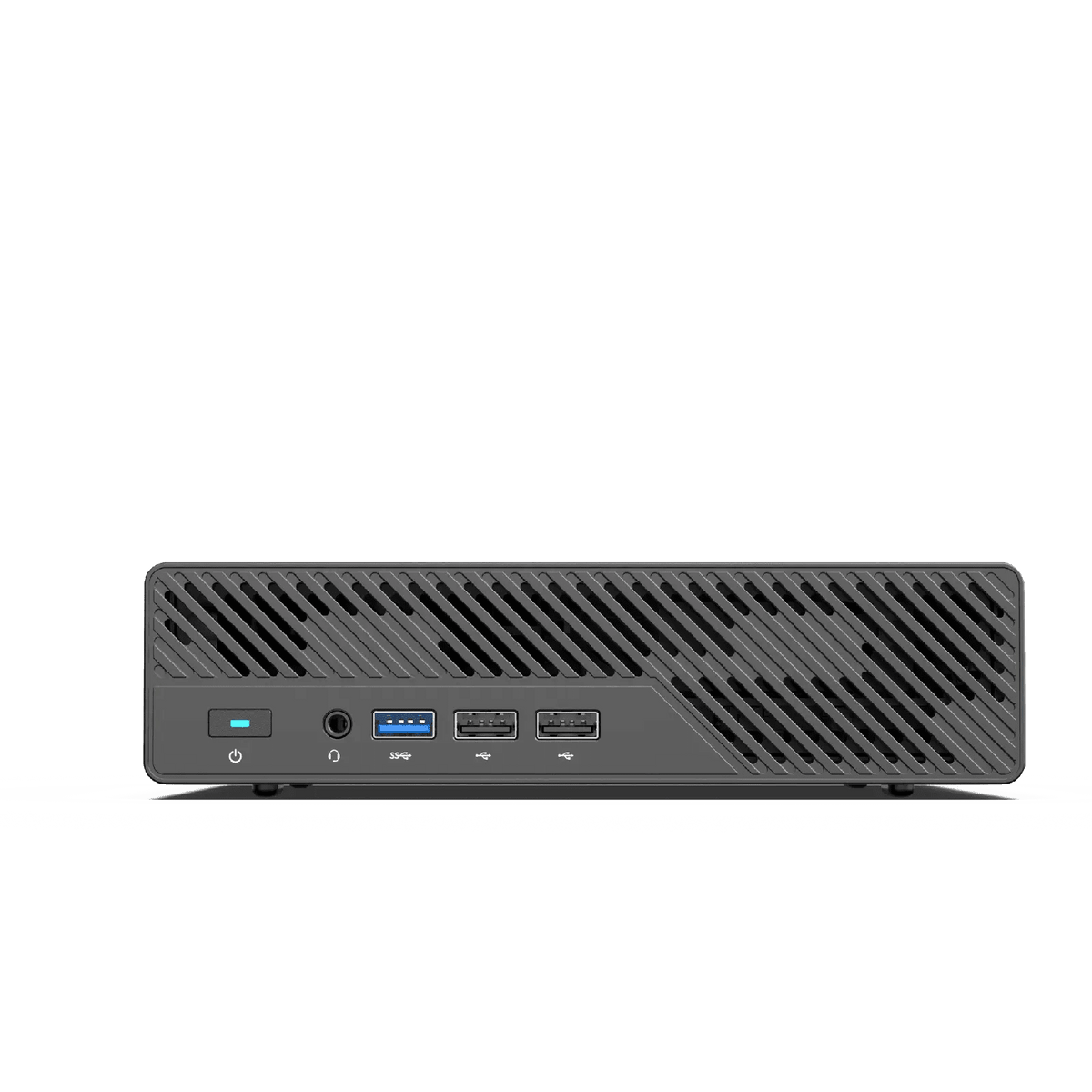
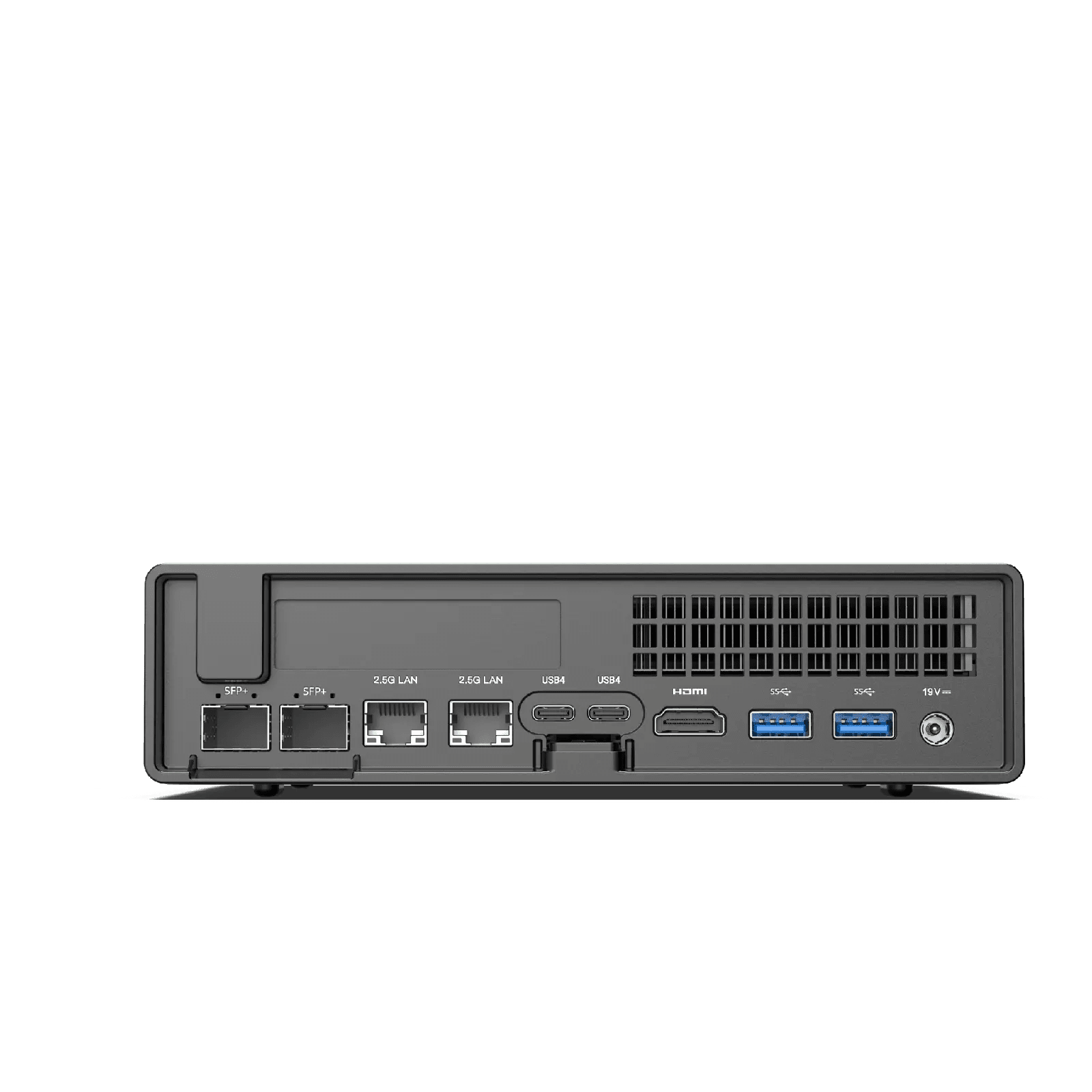
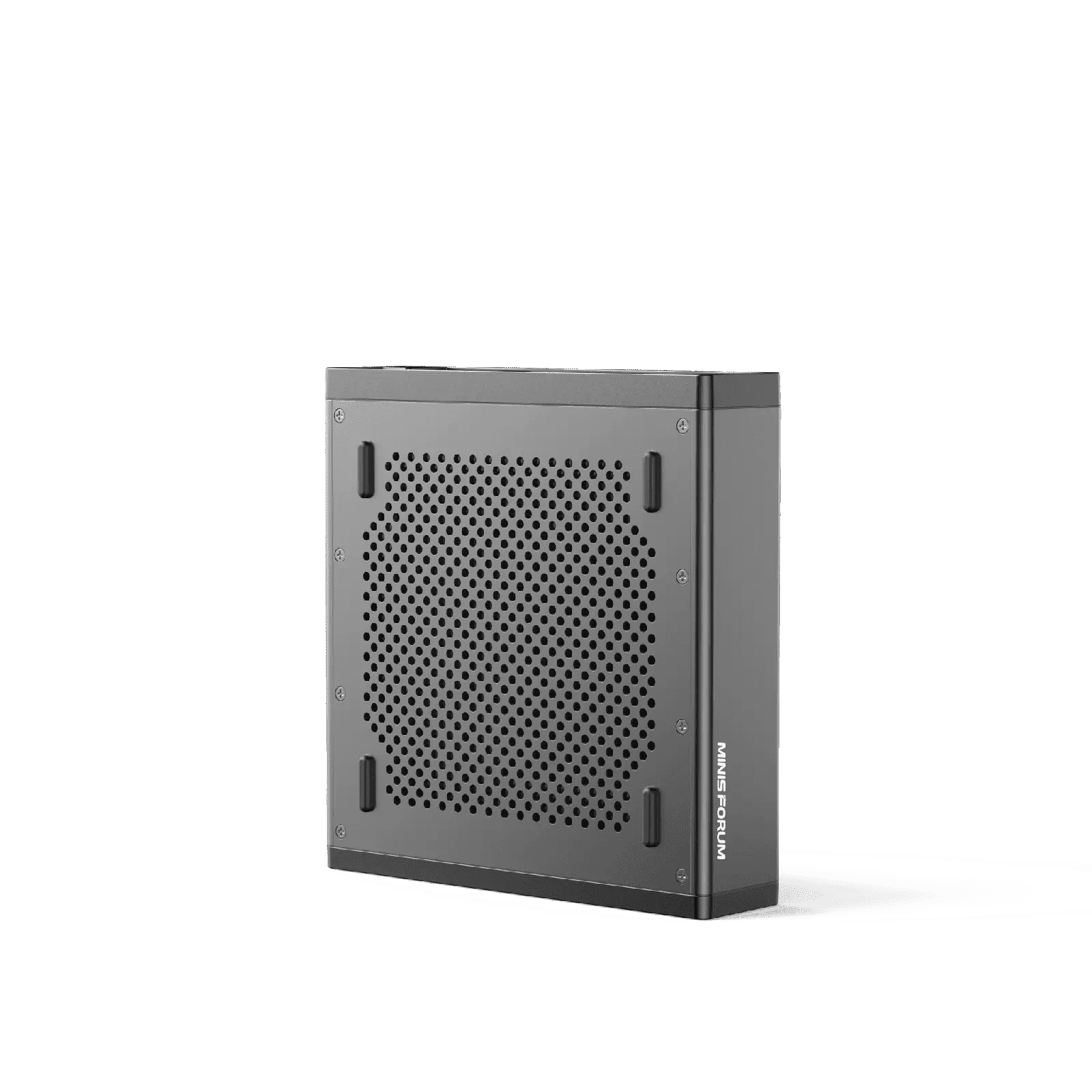
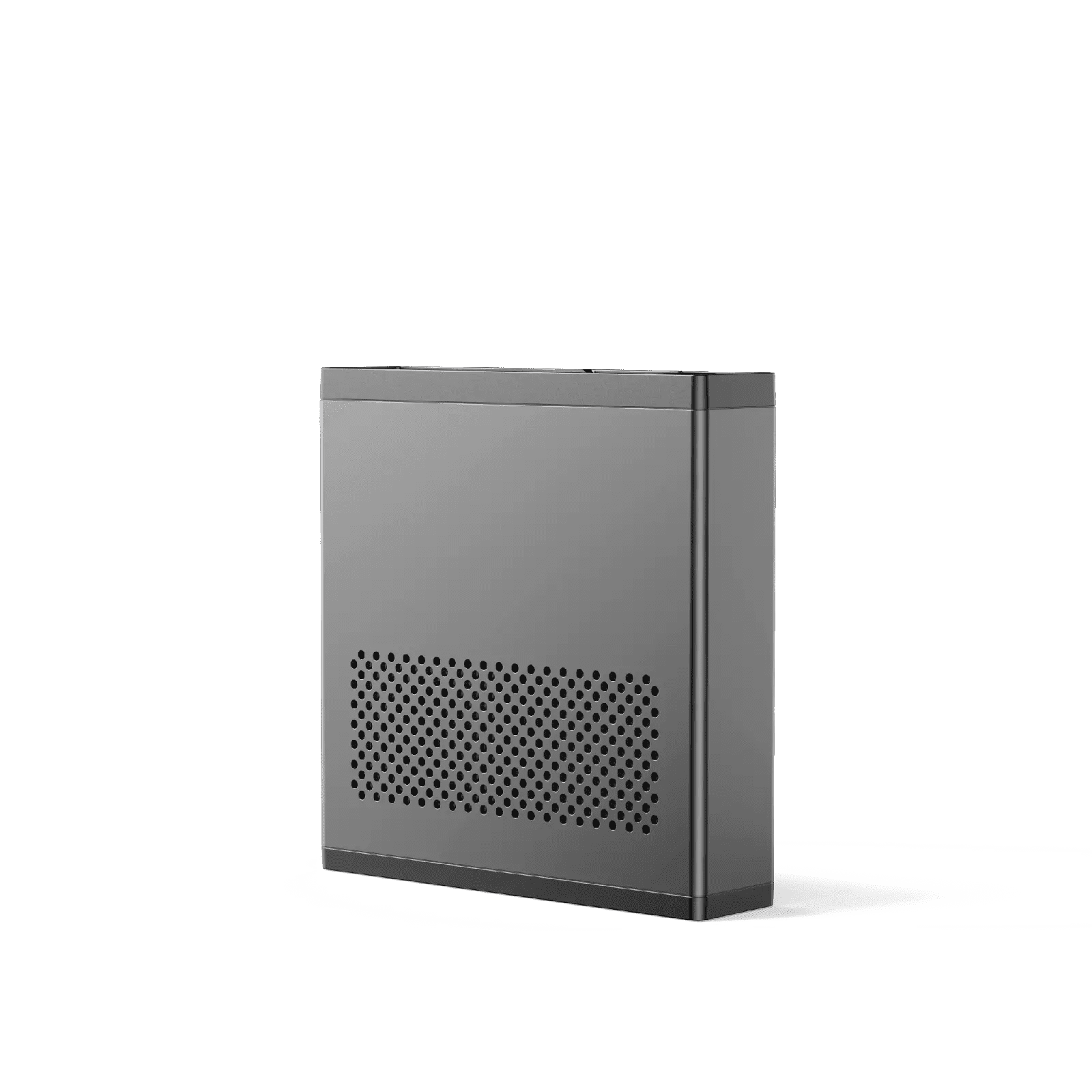
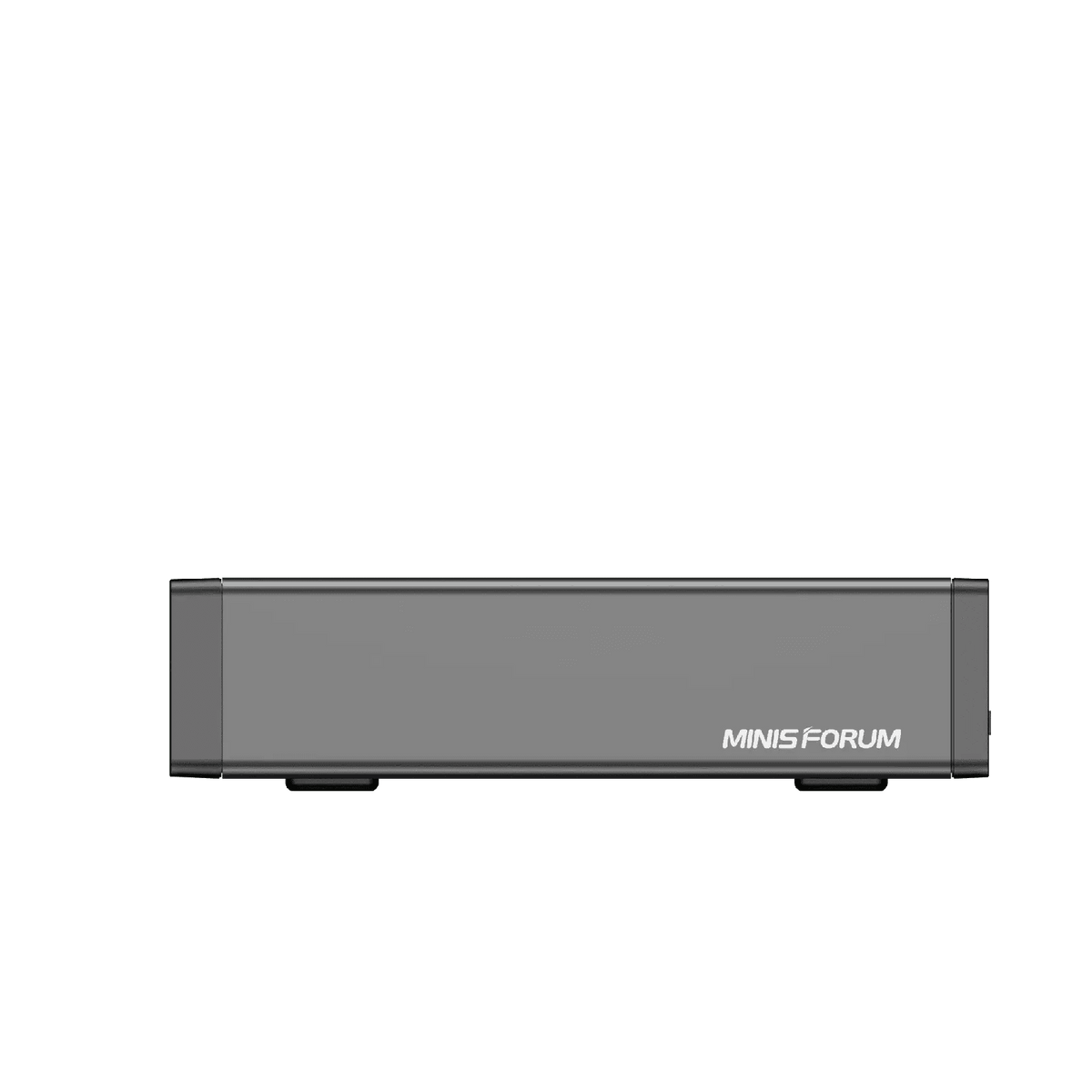
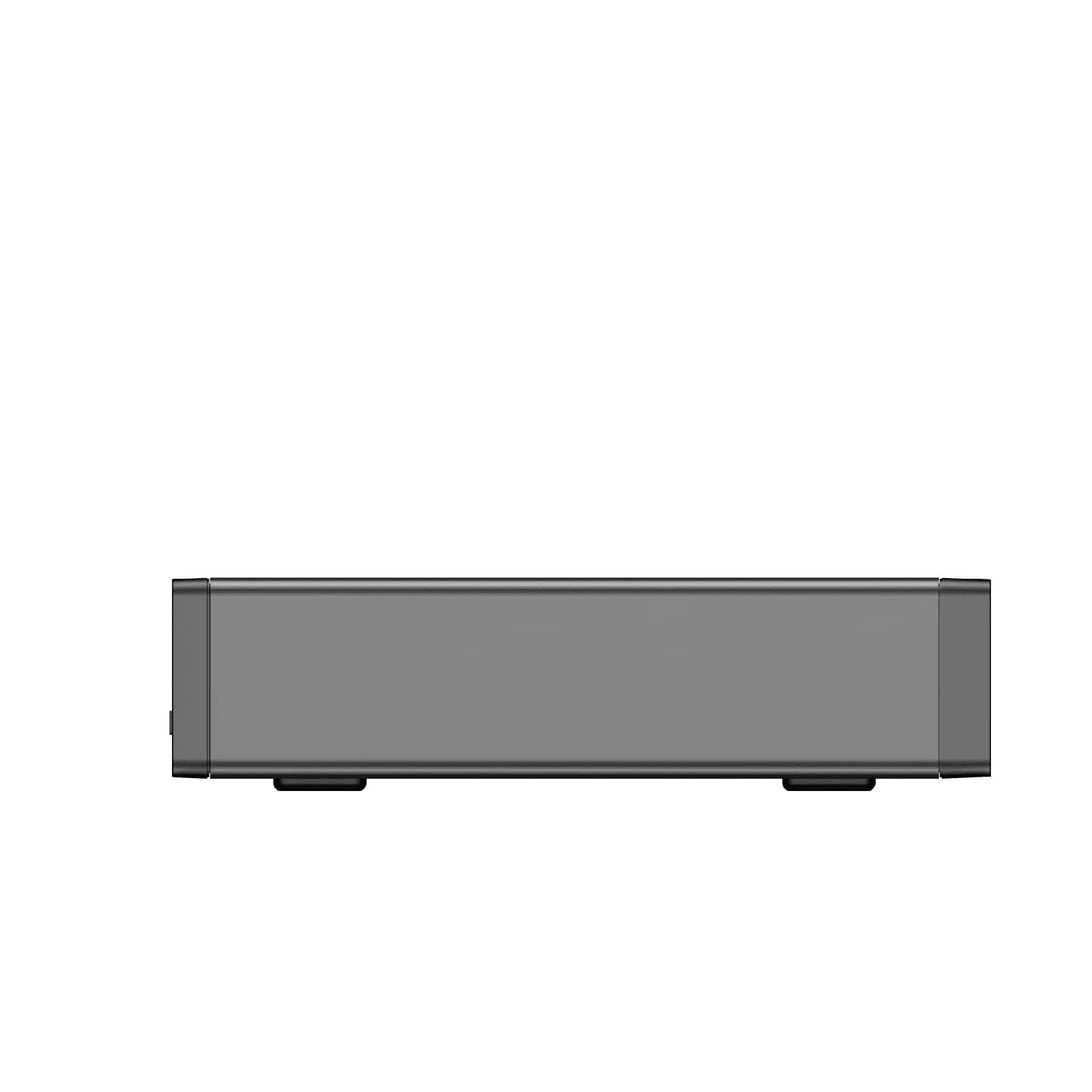


High-speed Network Ports
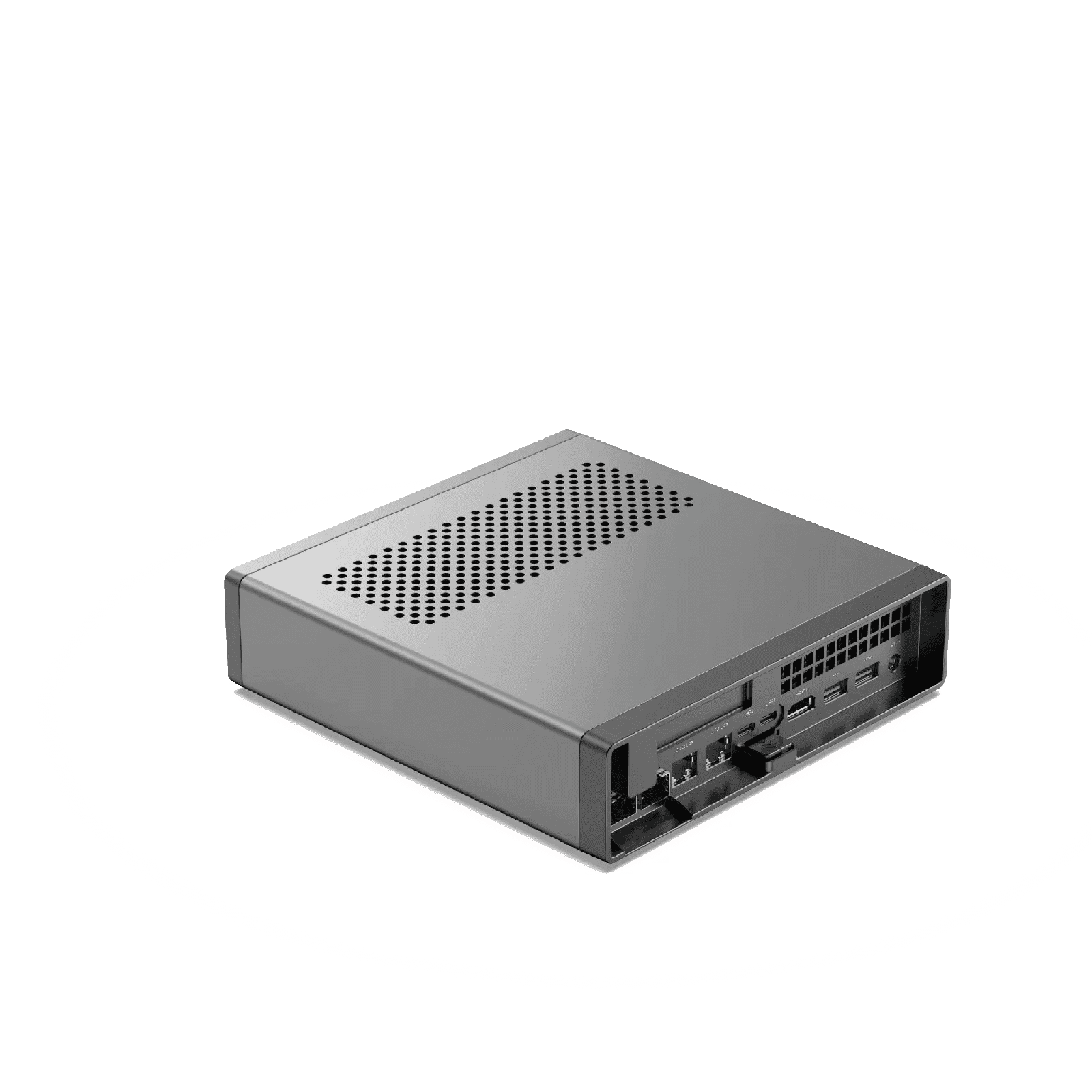
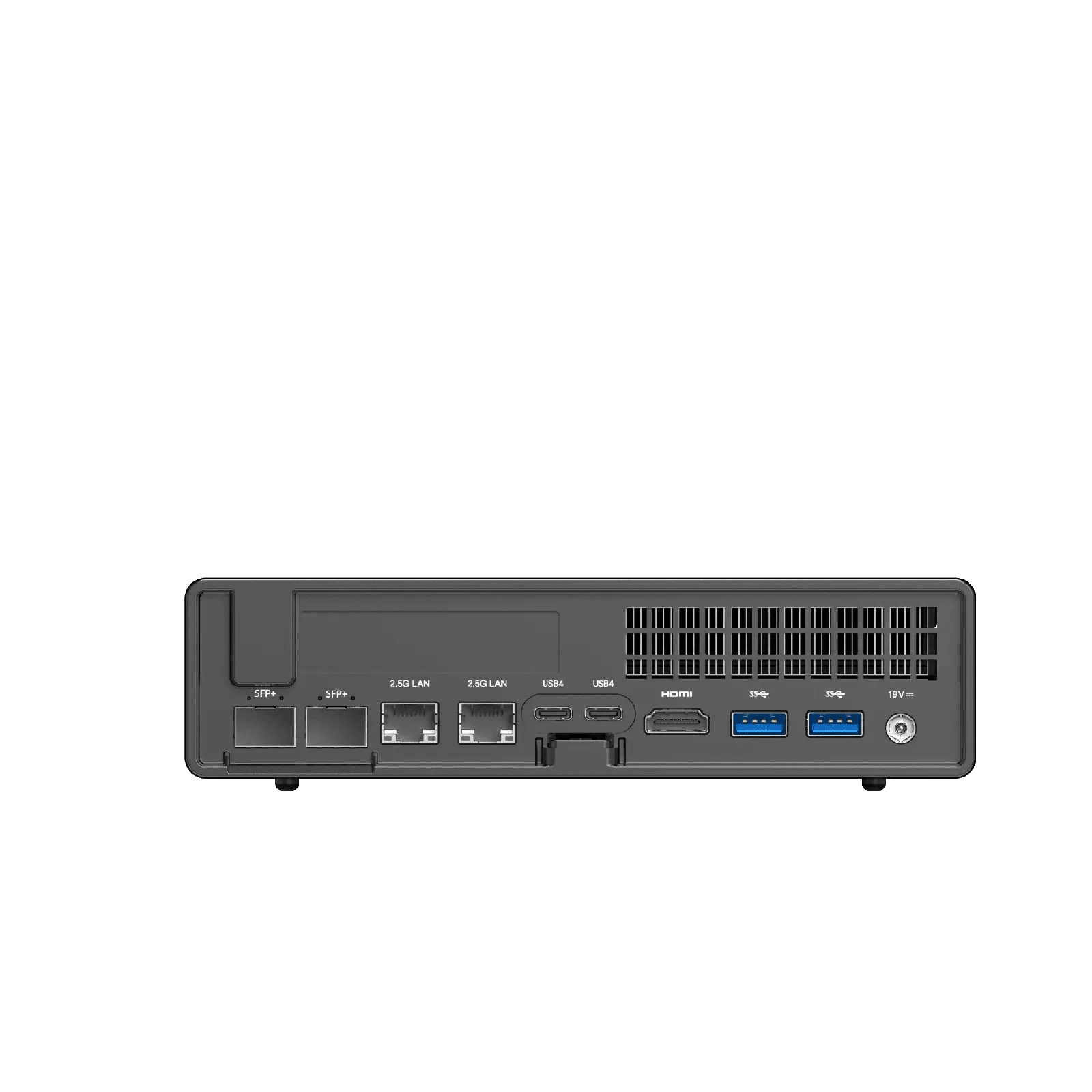
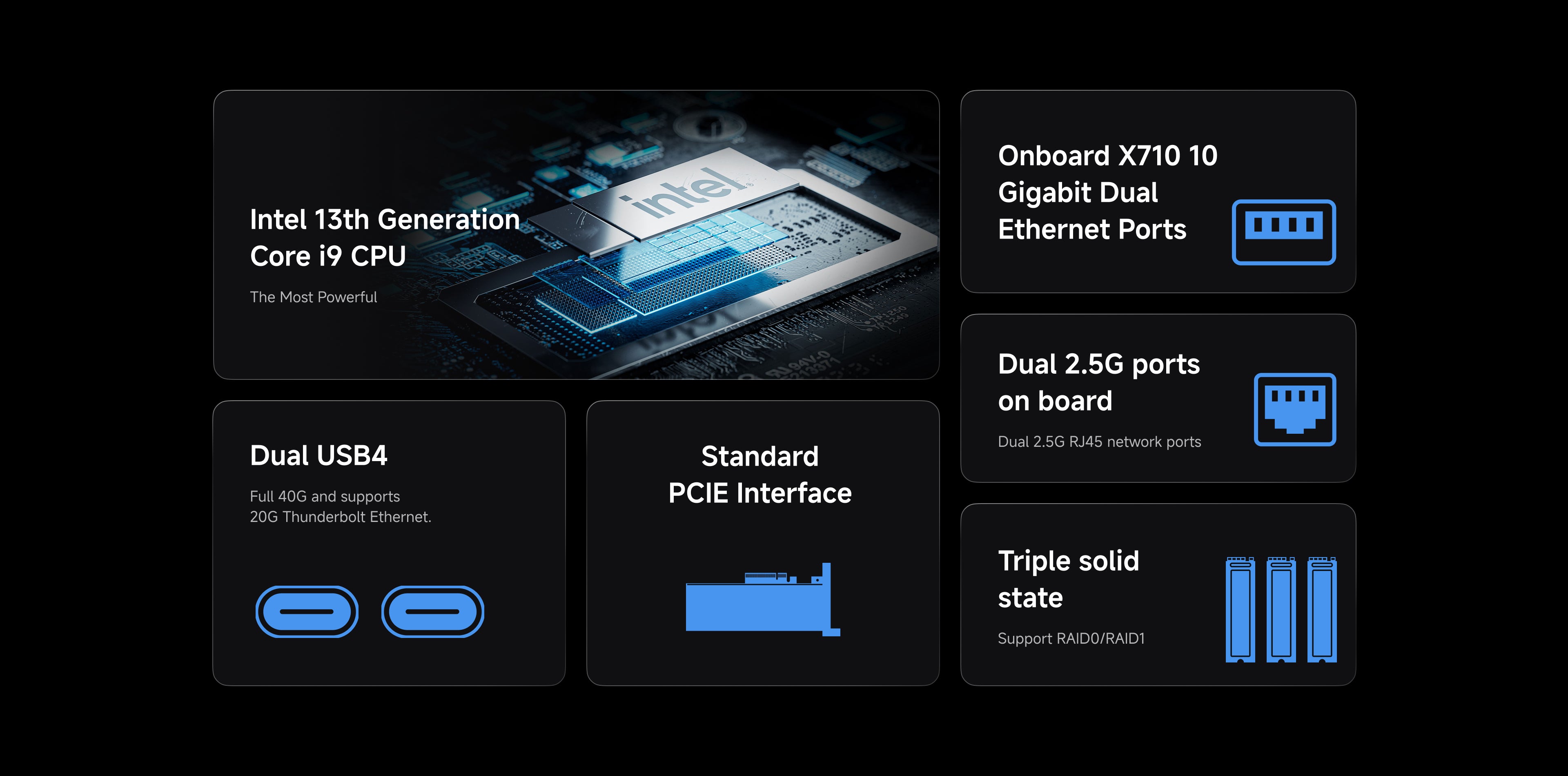
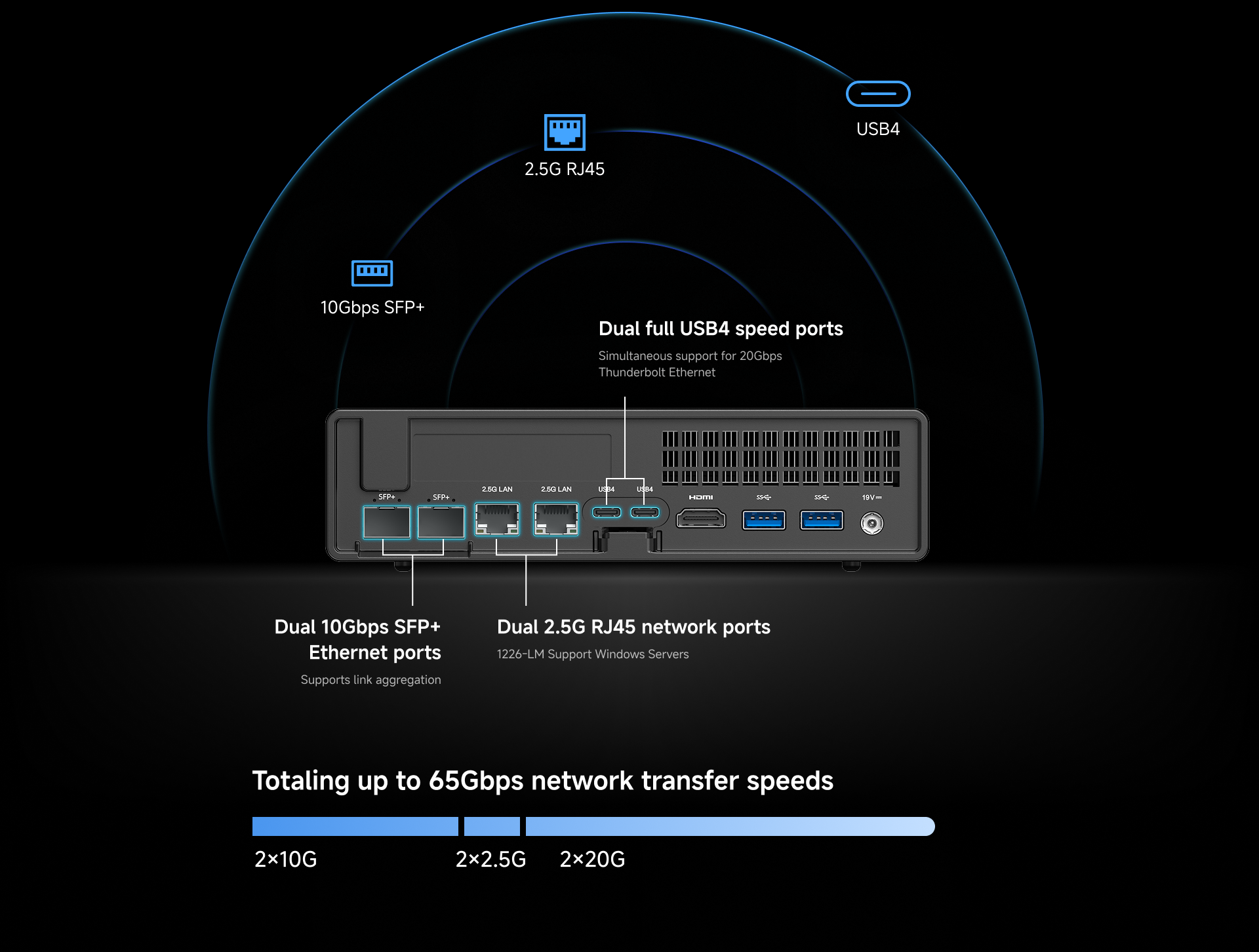
The MS-01 is capable of building a high-speed network experience with two 10Gbps SFP+ LAN ports, two 2.5Gbps RJ45 LAN ports, and two USB4 ports, providing a total maximum Ethernet throughput of 65Gbps. Enjoy an unprecedented high-speed networking experience.
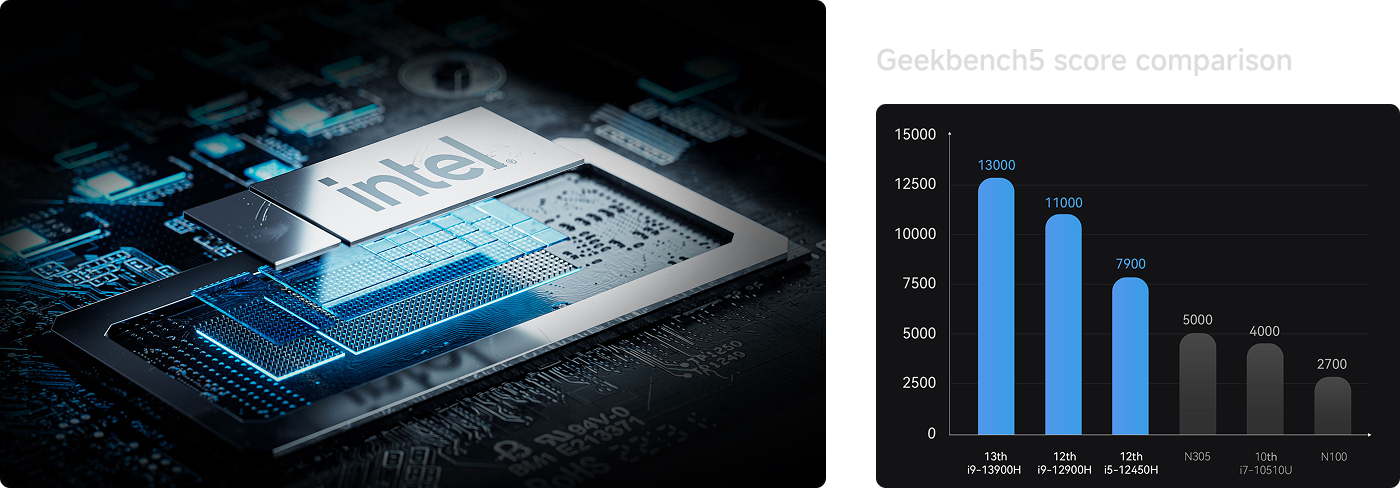
Intel 13th Generation
Core i9 Processor
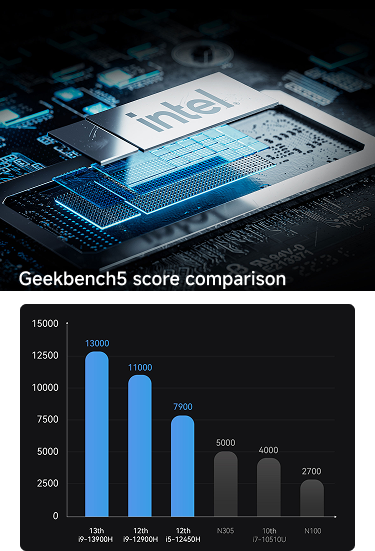
The MS-01 is equipped with the high-end Intel 13th Generation Core i9-13900H and Core i9-12900H processors. It provides 14 cores (6P+8E) and 20 threads, along with a 24MB L3 cache. The maximum clock speeds reach 5.4GHz and 5.0GHz, respectively.
Featuring integrated Intel Iris Xe Graphics with maximum frequencies of 1.5GHz and 1.45GHz, it delivers exceptional performance for a smooth and responsive experience.
M.2 NVMe SSD slot
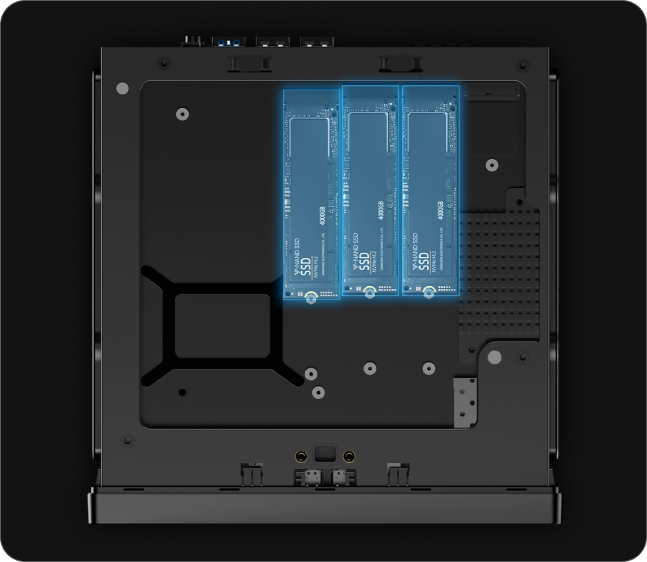
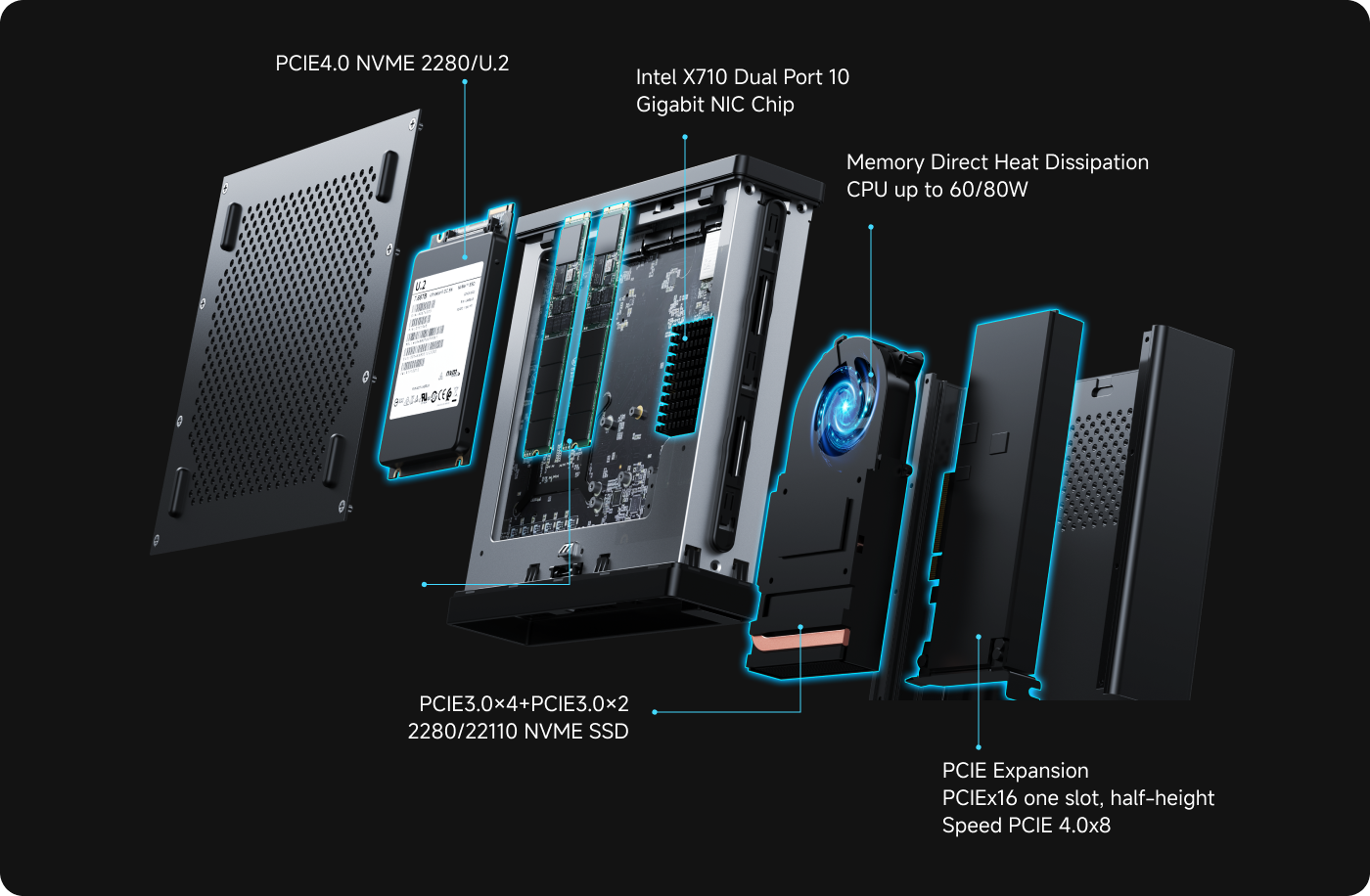
It is possible to expand with up to three M.2 NVMe SSDs, with each slot supporting a maximum capacity of 2TB. The leftmost slot is PCIe 4.0 compatible, with a maximum transfer speed of 7000MB/s. It supports both RAID0 for increased capacity and RAID1 for enhanced data safety.
7000MB/s
Data Transfer Speeds up to
12TB
Storage Capacity up to
U.2 NVMe SSD support
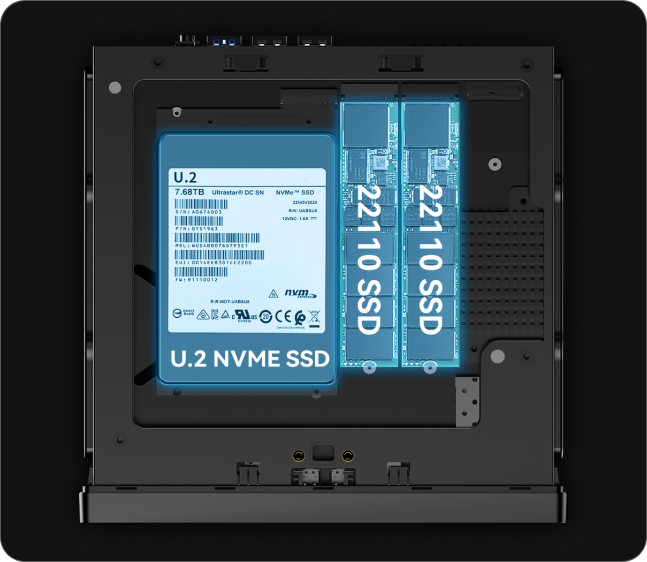
It also supports enterprise-class storage, allowing for expansion up to a total maximum of 24TB with a configuration of one U.2 NVMe SSD and two 22110 M.2 NVMe SSDs. This meets the demands of professionals who require high-capacity storage.
High expandability
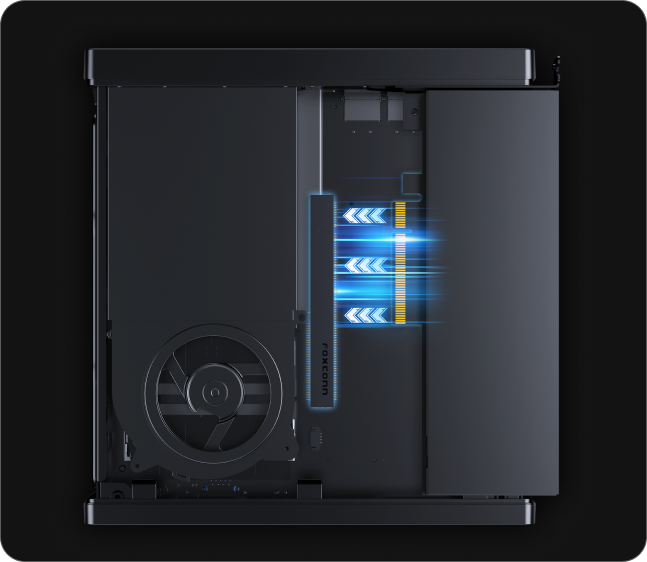
PCIe 4.0 x16 slot
The MS-01 is equipped with a PCIe 4.0 x16 slot, allowing for the installation of high-performance external GPUs, network cards, storage controllers, and other external devices. The PCIe 4.0 x16 slot enables faster data transfer, delivering optimal performance in various applications that require high computational power and bandwidth, such as gaming, video editing, and 3D rendering.It supports PCIe 4.0 x8 (128GT/s) and is compatible with up to RTX A2000 Mobile.
Disassembly diagram
Compatible with
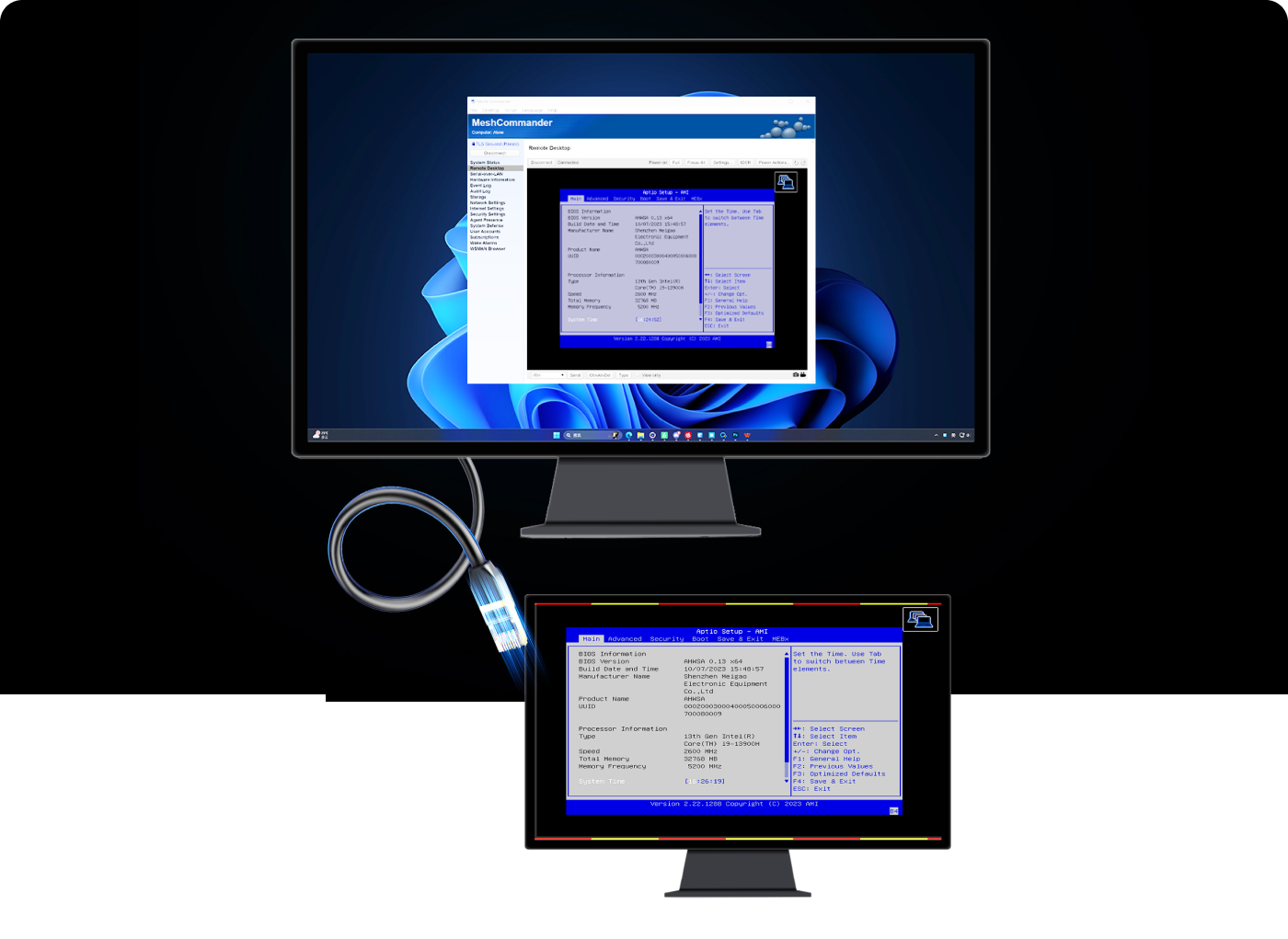
Intel vPRO
Intel vPRO technology provides hardware-level protection and reduces security risks between virtual machines. vPRO supports hardware acceleration, such as device virtualization for GPUs and sound cards, allowing for more efficient processing of graphics and audio tasks.


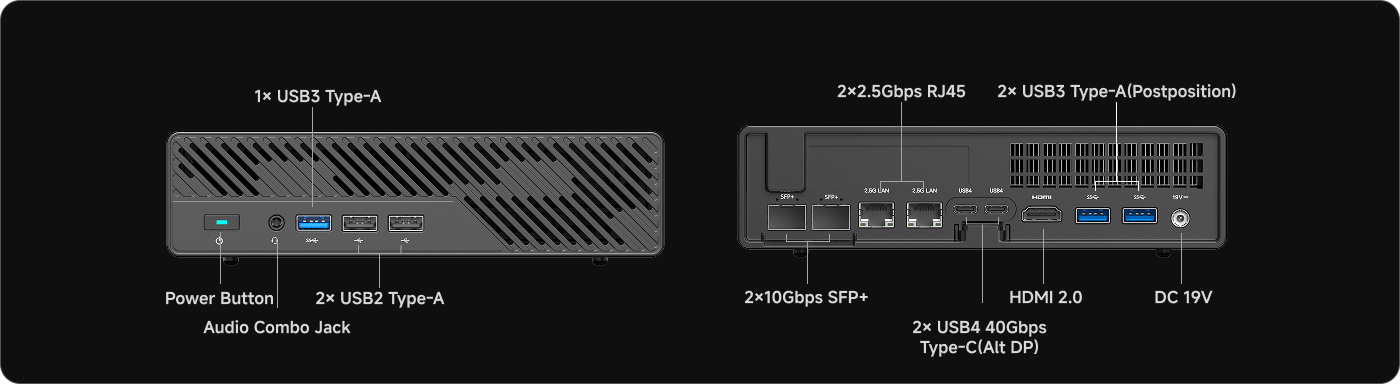
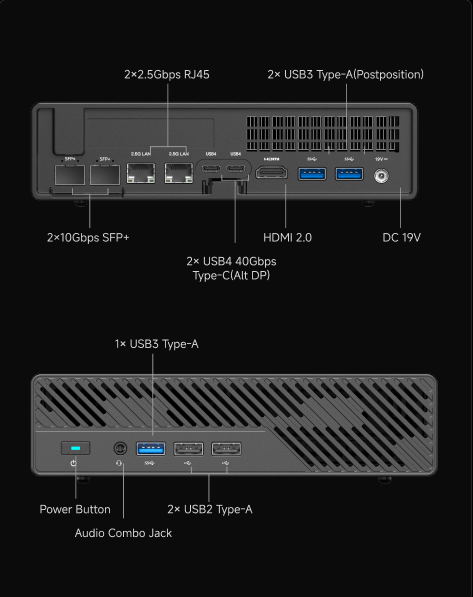
10Gbps SFP+
network ports× 2
The MS-01 is equipped with two 10Gbps SFP+ Ethernet ports. The SFP+ modules offer high stability, and the optical fiber transmission ensures network security by preventing eavesdropping and interception.
With a transmission speed of 10Gbps, it is ten times faster than traditional 1000Mbps Ethernet, meeting the demands of high-performance networking devices.

2.5Gbps RJ45
network ports X 2
In addition to the two SFP+ network ports, the MS-01 also features two standard 2.5Gbps RJ45 network ports, providing double the transmission speed compared to a single 2.5Gbps port, enabling enhanced network performance.
The RJ45 network ports offer high compatibility with a wide range of network devices, catering to the needs of general use

USB Port X 2
The MS-01 is equipped with two USB4 ports, which incorporate dual-channel transmission technology, enabling data transfer speeds of up to 40Gbps. This doubles the data transfer speed compared to USB 3.2 at 20Gbps.
Additionally, it is capable of building a 20Gbps Ethernet network using USB4 Thunderbolt Bridge technology.

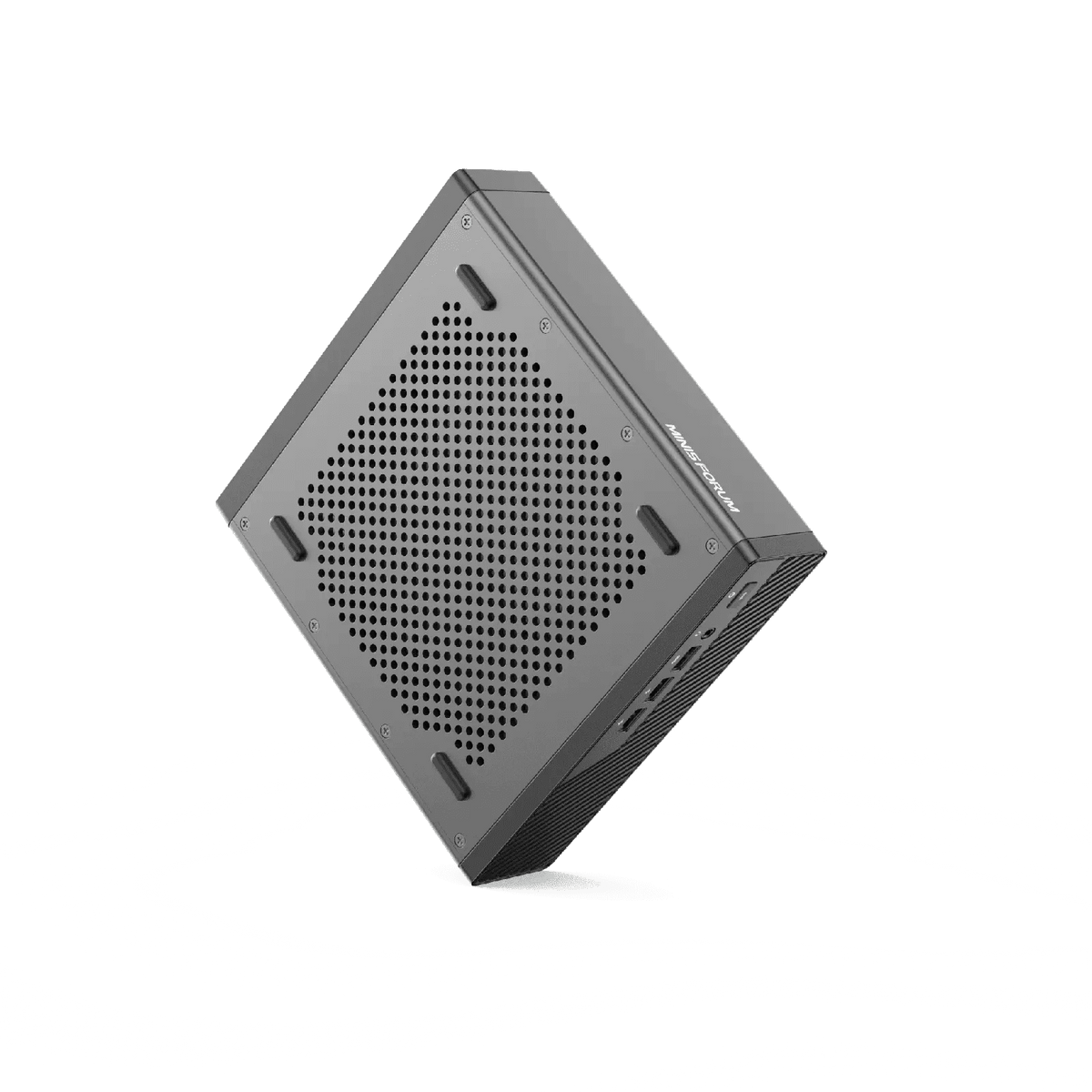
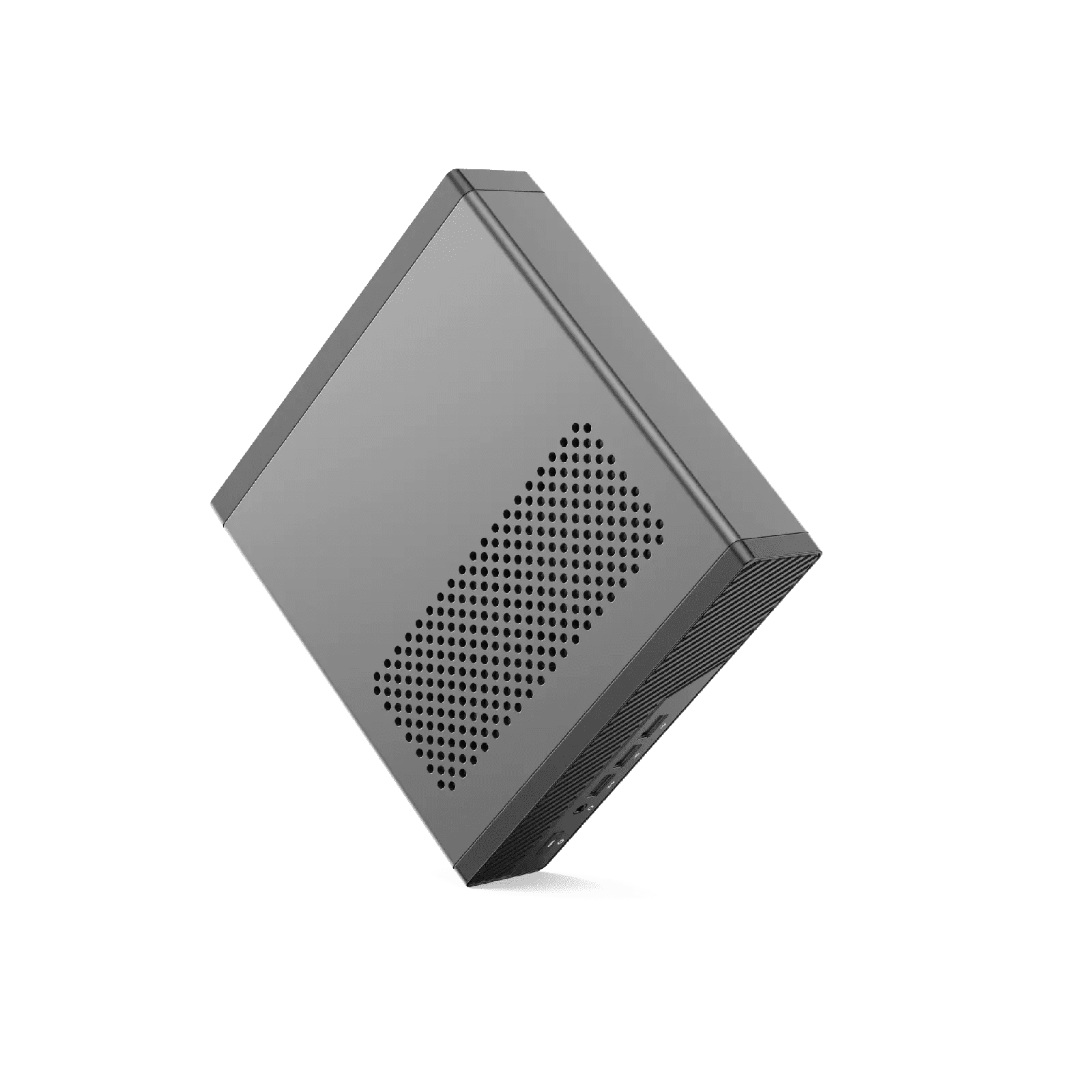
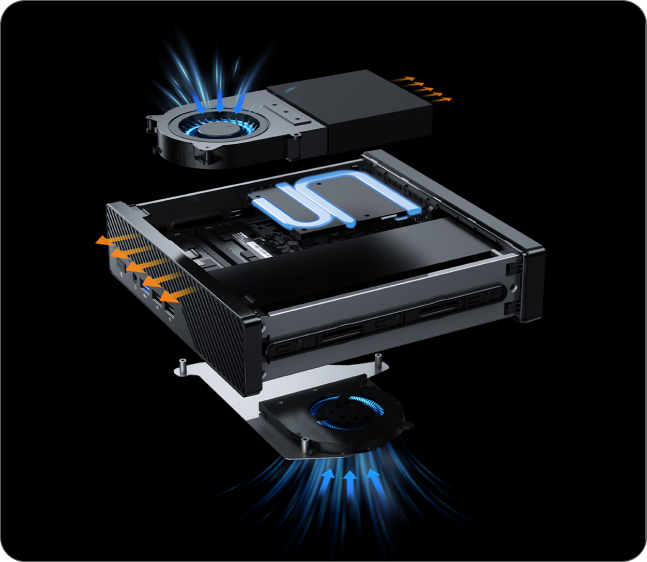
Excellent cooling system.
The small smart fan on top of the SSDIt achieves efficient heat dissipation, reducing the operating temperature of the computer and improving the product's lifespan.
The CPU has two U-shaped heat pipes.
It utilizes a high-speed cooling fan, ensuring stable performance even under high load conditions.
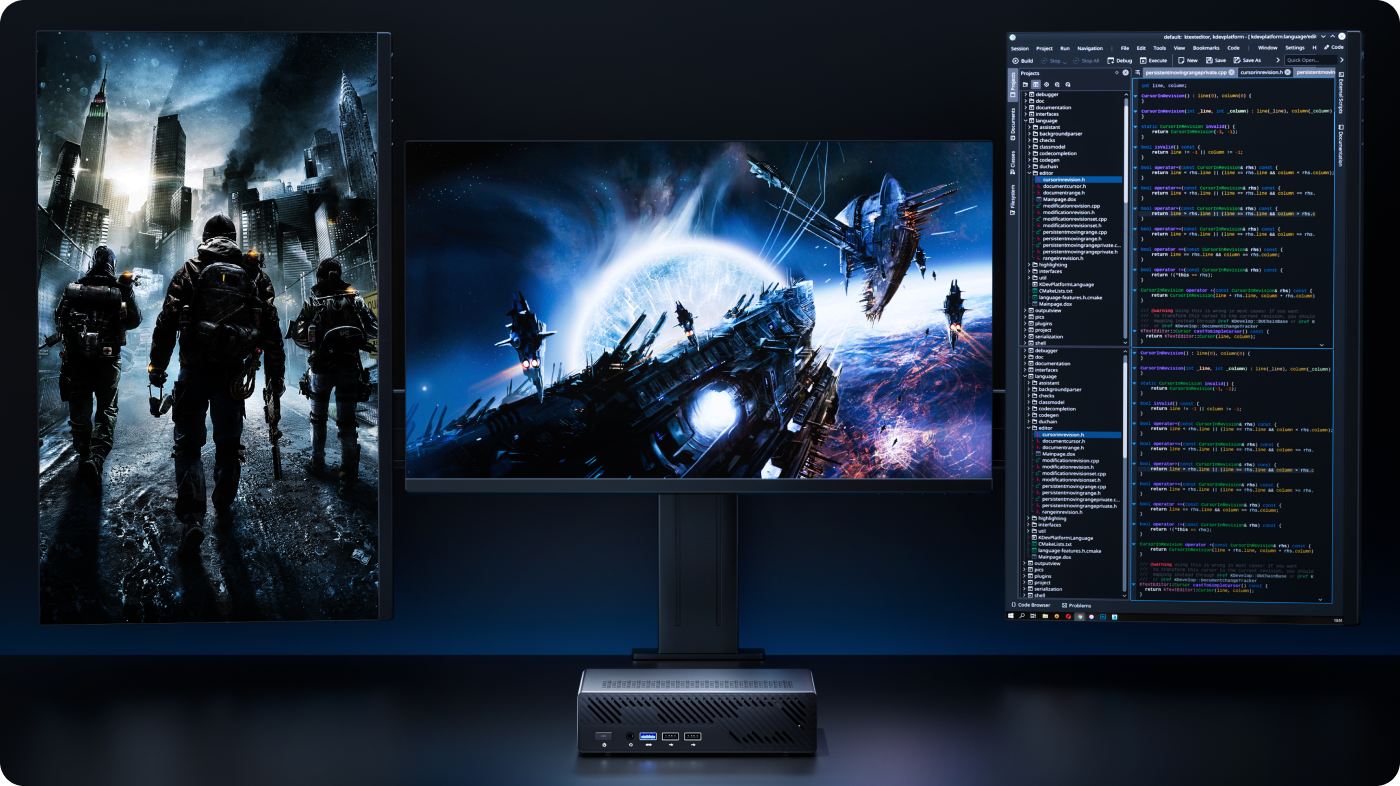
Supports 8K
and triple display
With triple display support, you can simultaneously display more work content, making it easier to switch between multiple windows and improving work efficiency. It allows for multitasking and enhances multitasking capabilities by handling multiple tasks simultaneously.
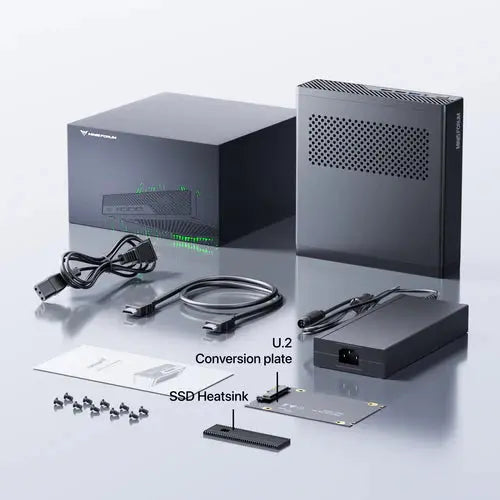
Package Contents


MS-01 Specifiction
Model
MiniWorkStation MS-01
CPU
S1390: Intel® Core™ i9-13900H(With vPro® Enterprise Support)
S1290: Intel® Core™ i9-12900H(With vPro® Enterprise Support)
S1260: Intel® Core™ i5-12600H(With vPro® Enterprise Support)
S139K: Intel® Core™ i9-13900HK (14C/20T, up to 5.4GHz, No Intel® vPro® Support)
Graphics
S1390/S1290/S1260/S139K:
Intel® Iris® Xe Graphics (Dual-channel memory)
Intel® UHD Graphics (Single-channel memory)
Memory
DDR5-5200MHz Dual Channel (SODIMM slots x2, up to a total maximum of 96GB)
SSD
M.2 2280 NVME SSD slot (Up to 4TB) (PCIe 4.0 x4) x1
M.2 2280/22110 NVME SSD slot (Up to 4TB) (PCIe 3.0 x4) x1
M.2 2280/22110 NVME SSD slot (Up to 4TB) (PCIe 3.0 x2) x1
Memory expansion
1* PCIe 4.0 x16 slot (Half-height, single-slot, supports up to PCIe 4.0 x8 speed)
Wireless connectivity
M.2 2230 Wi-Fi support (Wi-Fi 6, BT5.2)
Ethernet
① 10Gbps SFP+ LAN ×2
② 2.5Gbps RJ45 LAN ×2
Video output
① HDMI 2.0 (4K@60Hz)
② USB 4 (8K@30Hz) x2
(Note: Recommended cables - HDMI to HDMI / USB-C to USB-C)
Audio output
HDMI x1 / 3.5mm combo jack x1
Power supply
DC 19V (including power adapter)
OS
Windows 11 Pro/Linux
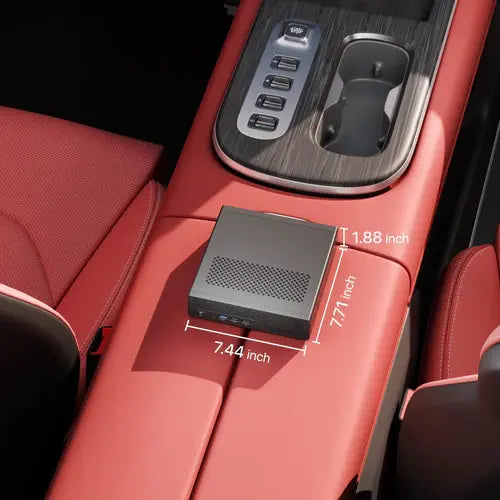
Size
196×189×48mm
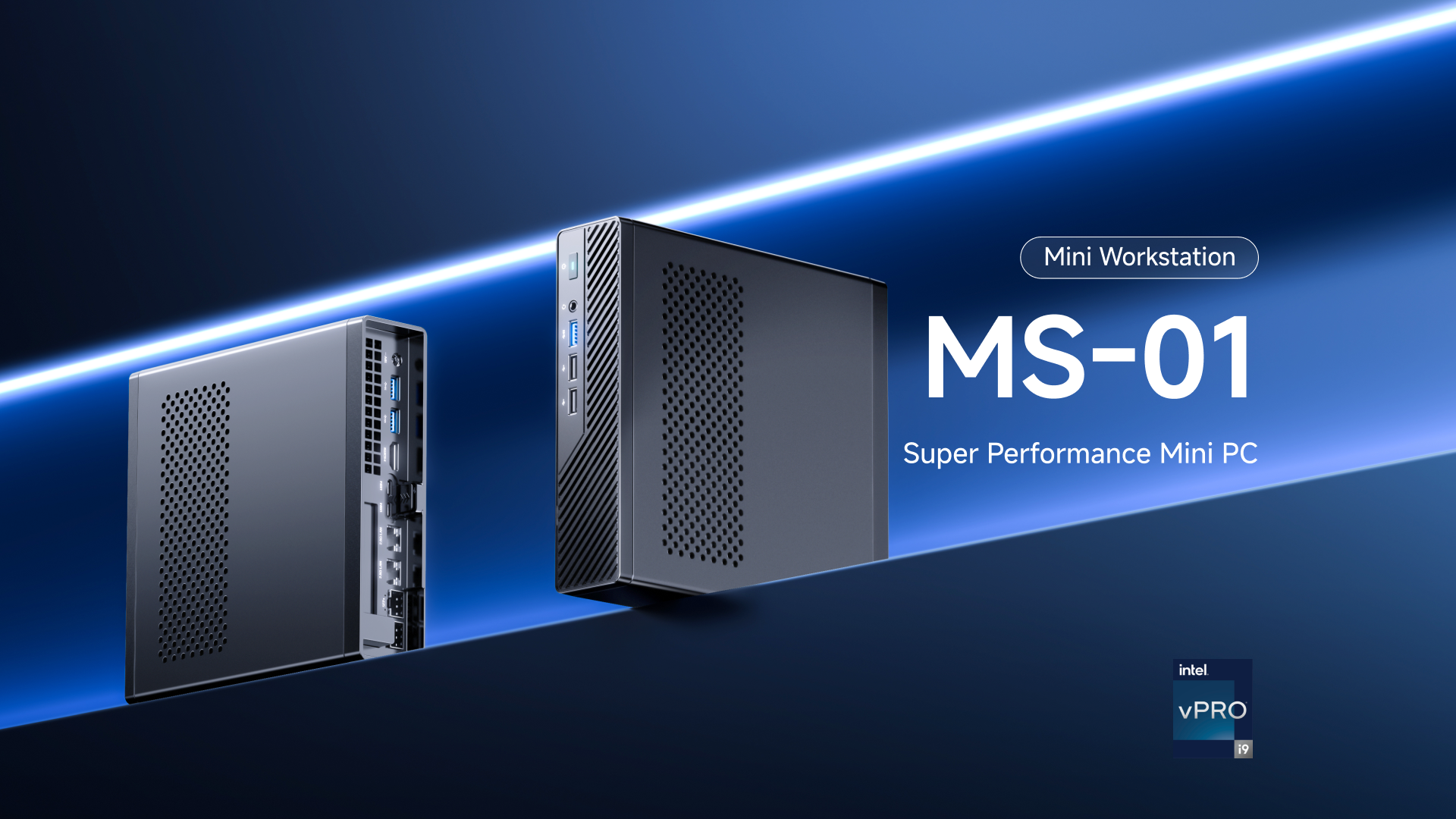
Peripheral interface
10G SFP+ ports x2
RJ45 2.5G Ethernet ports x2
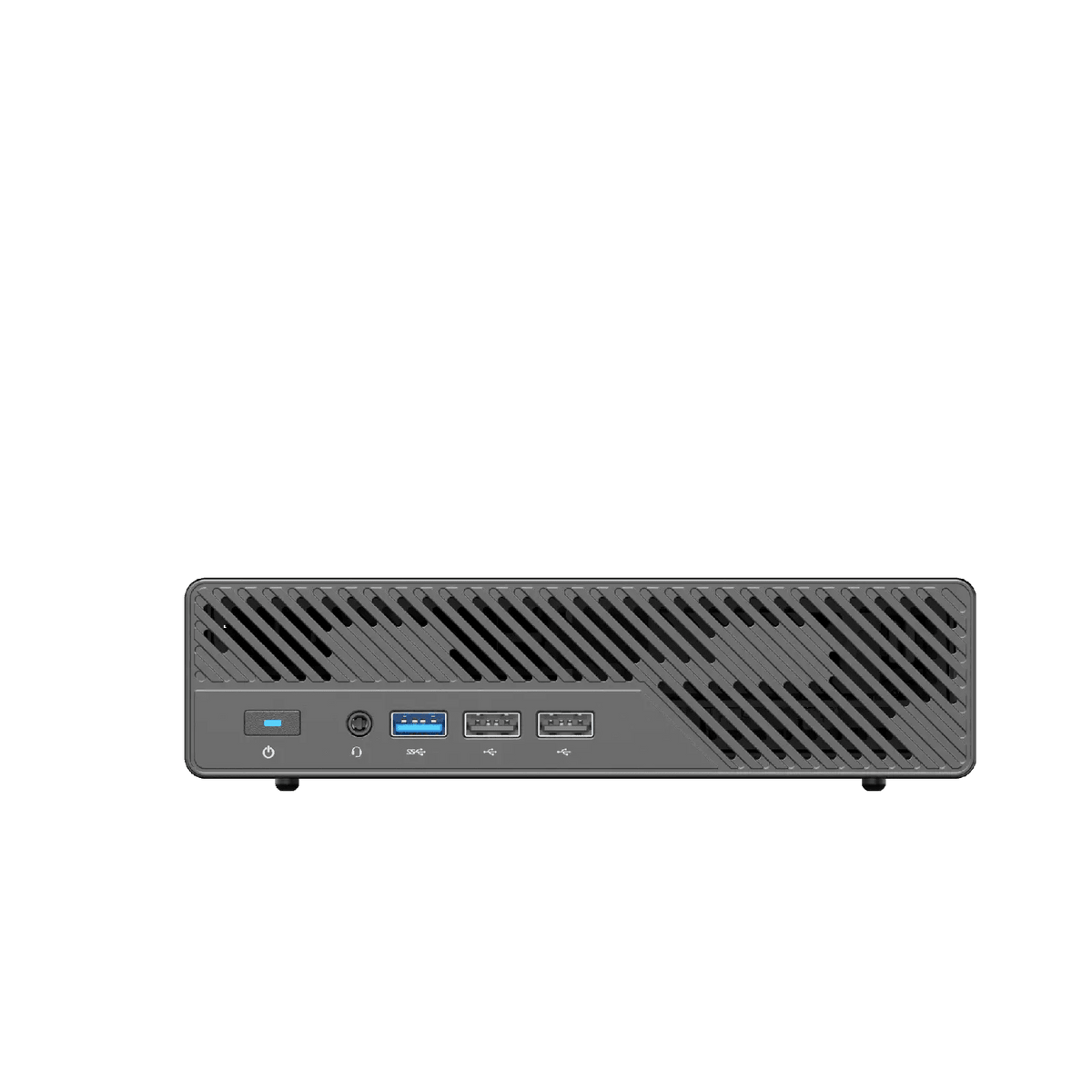
USB3.2 Gen2 Type-A ports x2
USB3.2 Gen1 Type-A ports x1
USB2.0 Type-A ports x2
USB4 ports x2 (Alt PD)
HDMI x1
3.5mm combo jack x1
Package contents
1 x MS-01 main unit
1 x Power adapter
1 x Power cable
1 x U.2 conversion plate
1 x SSD heat sink
1 x Mounting screw
1 x HDMI cable
1 x User's Manual